You ask an AI assistant for revenue by region. It answers in seconds, but finance sees a different total. Now someone must trace the definitions and decide which number to trust. For another team, the delay comes earlier, when an analyst waits weeks for a clean dataset.
Which AI analytics platform fits your team comes down to where the work stalls: preparing data, trusting answers, or controlling cost. We compared 11 platforms using vendor product, pricing, and documentation pages to assess data preparation, definitions, governance, and cost.
The 11 best AI analytics platforms: Quick glance
- Prophecy: Best for AI data prep and analysis that analysts can inspect step by step
- ThoughtSpot: Best for natural-language search and agents on a semantic layer
- Power BI with Copilot: Best for Microsoft-centered teams
- Tableau: Best for visual analytics with Pulse and Tableau Agent
- Looker with Gemini: Best for governed LookML models on Google Cloud
- Databricks Genie: Best for teams already on Databricks
- Snowflake Cortex: Best for natural-language SQL inside Snowflake
- Domo: Best for analytics, workflows, and AI under one credit pool
- Qlik: Best for engine-driven analytics with the agentic Qlik Answers
- Hex: Best for analysts and data scientists who work in notebooks
- Omni: Best for teams that want a semantic-layer-first BI platform
How we researched these platforms
Plan names, prices, and limits come from each vendor’s current pricing page, and feature claims come from its product and documentation pages.
When a vendor does not publish a price, we mark it as custom and leave out third-party estimates. We also checked what each vendor says users can inspect when they need to verify an answer.
- Business metrics: Can teams define a metric once and use the same definition across questions and reports?
- Natural-language questions: What kinds of questions can users ask, and can they follow up when an answer needs more detail?
- Data location: Does the platform process data where it already lives, or does it need to store a copy?
- Answer inspection: Can users see the query, sources, and steps behind a result when a number looks wrong?
- Permissions and governance: Does the platform respect existing access rules, and can administrators track who changed a definition?
- Pricing: What does the published price include, and which usage, capacity, or infrastructure charges need a separate estimate?
We used these criteria to find each platform's strongest use case and flag the costs and limits worth checking before you commit.
11 AI analytics platforms: Comparison
1. Prophecy
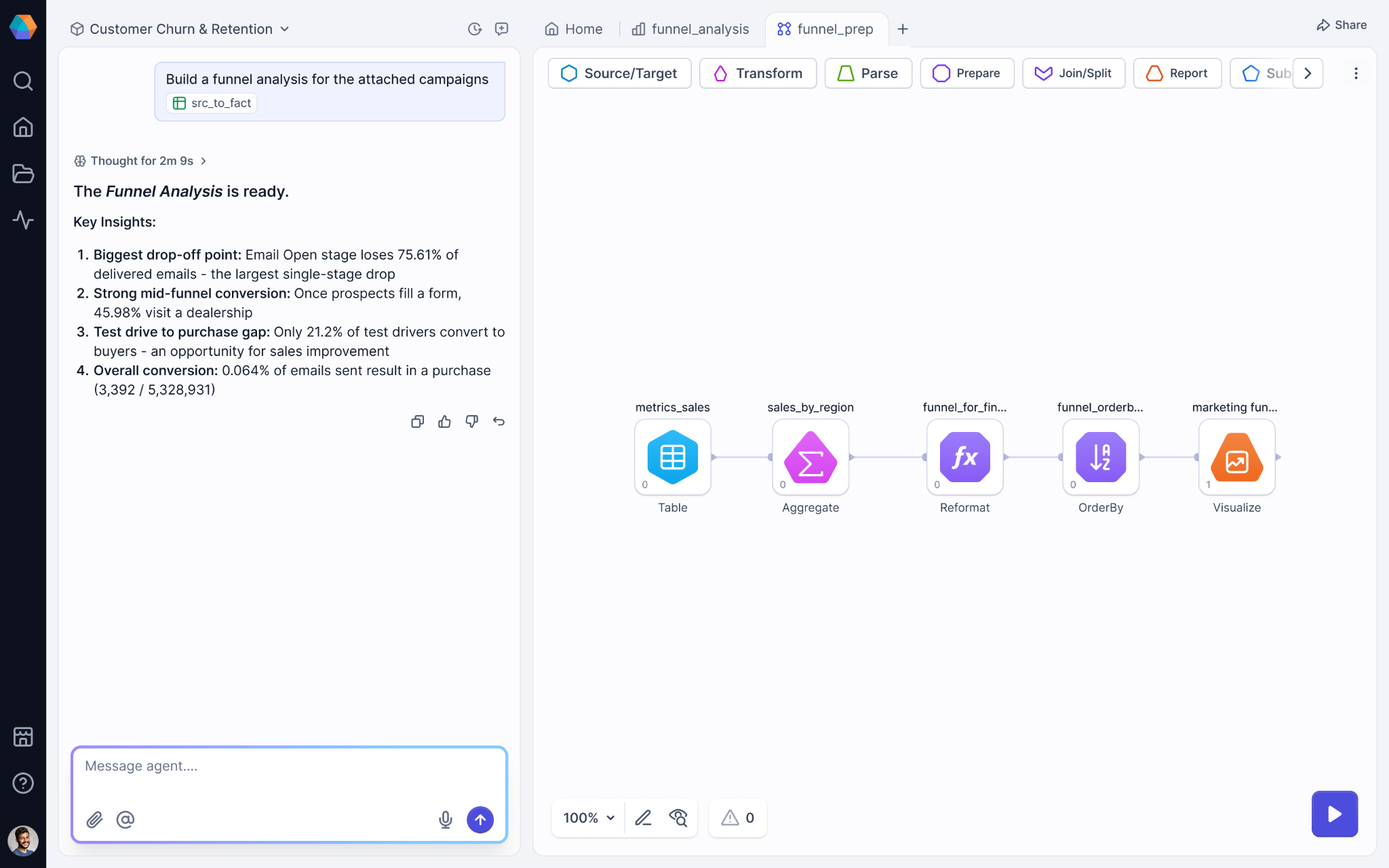
What it does: Prophecy is an AI data prep and analysis platform. Analysts describe the dataset they need in plain language, the Transform agent drafts a visual workflow, and the analyst inspects, refines, and validates each step.
Best for: Data and analytics teams on Databricks, Snowflake, or BigQuery that want business analysts to prepare and analyze data themselves while the platform team reviews the SQL.
Pricing: Starter is free with 20 credits per month. Professional costs $150 per user per month, billed monthly, with 50 credits per user per month. Enterprise Express costs $4,000 per month for up to 20 users, billed annually, and Enterprise is custom.
Key features
- Plain-language workflow generation with the Transform agent
- Visual workflows built from gems you can open, run, and profile
- Documentation agent for pipeline documentation
- Warehouse-native SQL compiled to a standard dbt project (an open source framework that organizes SQL into versioned, testable projects) in Git (Prophecy-managed by default, or your own repository)
- Processing in Prophecy's managed warehouse on Starter and Professional, in your own SQL warehouse (Databricks SQL, BigQuery, or Snowflake) on Enterprise Express, and in your own SQL warehouse or Spark on Enterprise
Where it works well: When a number is questioned, an analyst can open the gem that produced it and profile the output, and the platform team can review the same logic as SQL.
Where it falls short: Analyses (Prophecy's dashboards) pair charts and tables with input fields tied to pipeline parameters, and each run executes the entire underlying pipeline, including steps the dashboard does not display. Starter and Professional run on Prophecy In-Memory, Prophecy's managed SQL warehouse, and fuller Git models start at Enterprise Express. Connectors are broad but not exhaustive, with Python for anything missing.
2. ThoughtSpot
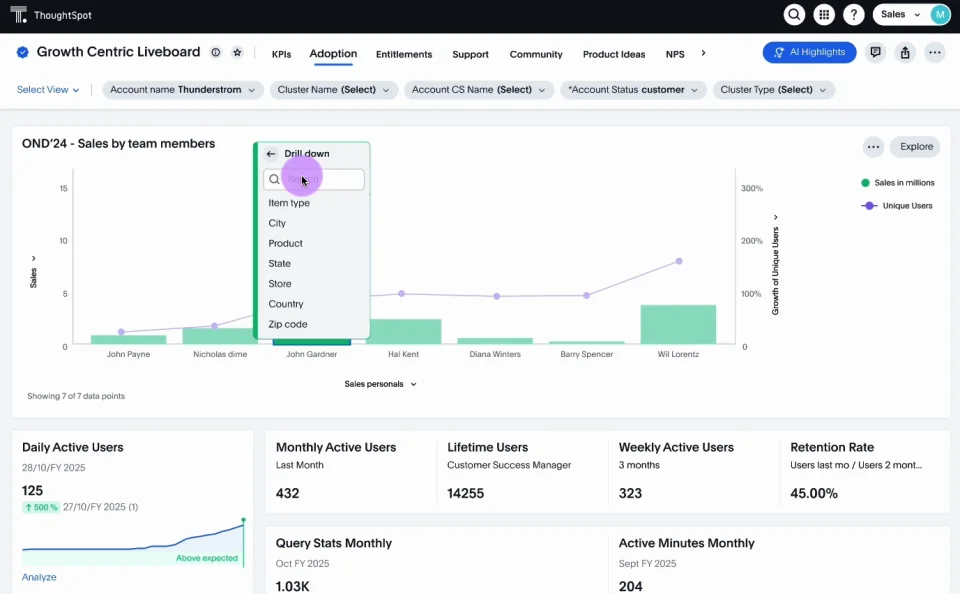
What it does: ThoughtSpot's Spotter agents answer natural-language questions, build dashboards, and model data on a semantic layer built for agents.
Best for: Business teams that want search-style questions on a governed model across a cloud warehouse.
Pricing: Essentials starts at $25 per user per month, billed annually, for 5 to 50 users. Pro starts at $50 per user per month, billed annually, or $0.10 per credit. Enterprise pricing is custom, with unlimited users and data.
Key features
- Spotter agents handle conversational analytics, data modeling, dashboards, and coding tasks
- A semantic layer built for agents supports natural-language search and exploration
- Dynamic dashboards and automated KPI monitoring include anomaly detection and alerts
- Live connections reach Snowflake, Databricks, Redshift, and other pre-built data sources
- Row-level security, data encryption, and data isolation apply across the paid tiers
Where it works well: ThoughtSpot says it does not meter or charge for LLM tokens on its Pro and Enterprise plans, where Spotter is included, so Spotter use adds no token charge, though bringing your own LLM provider may add that provider's fees.
Where it falls short: Spotter allows 25 queries per user per month on the per-user Pro plan, and row caps apply below Enterprise. Analyst Studio and in-memory caching are add-ons, and the MCP Server add-on appears only under Enterprise on ThoughtSpot's pricing page.
3. Power BI with Copilot
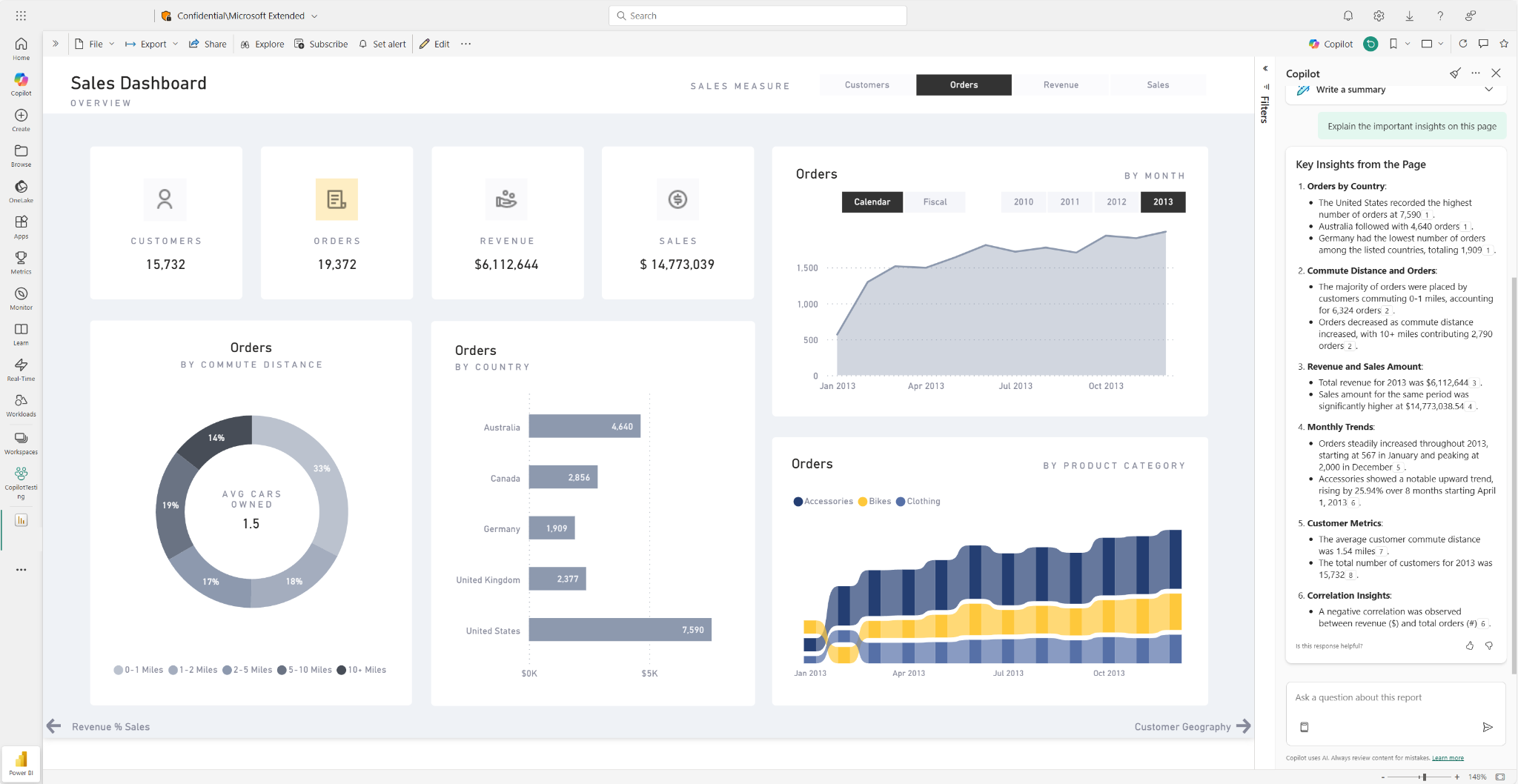
What it does: Power BI adds Copilot's natural-language assistance to Microsoft's business intelligence service.
Best for: Organizations already standardized on Microsoft 365 and Fabric.
Pricing: Power BI Pro costs $14 per user per month and Premium Per User costs $24 per user per month, both paid yearly. Embedded pricing is variable, and a free account covers report creation in Desktop.
Key features
- Copilot adds natural-language assistance to the reports and models you build
- Power Query prepares and transforms data inside Excel and Power BI Desktop
- Power BI Desktop lets you build reports at no cost on a free account
- Premium Per User refreshes datasets up to 48 times each day
- Power BI Embedded places analytics inside your own applications for outside audiences
Where it works well: Pro covers publishing and sharing, and Microsoft includes Pro in Microsoft 365 E5 and Office 365 E5.
Where it falls short: Pro refreshes datasets 8 times a day, and Premium Per User raises that to 48. Confirm Microsoft's Copilot license and capacity requirements for your tenant before you plan a rollout.
4. Tableau
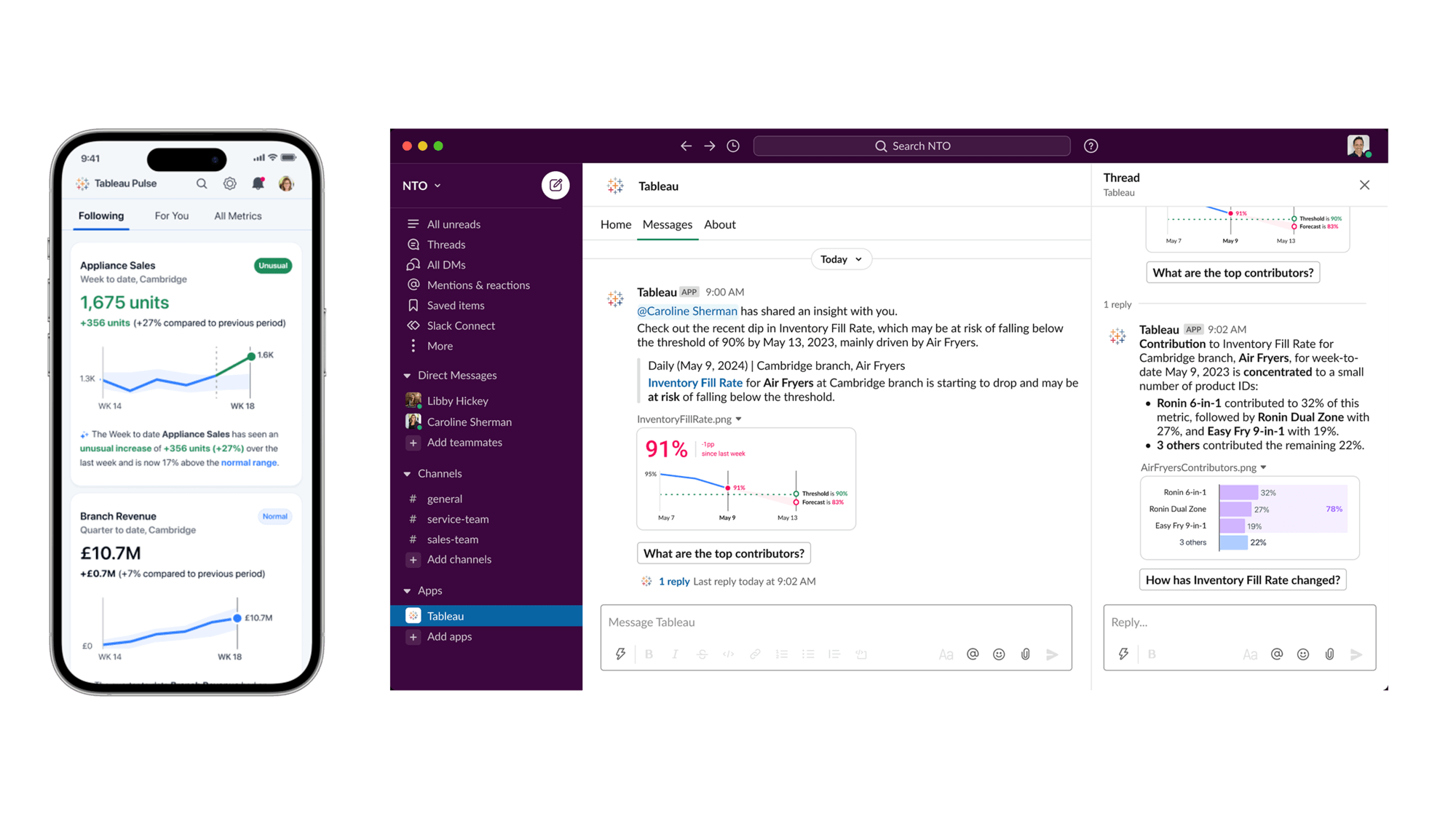
What it does: Tableau Pulse delivers AI-generated metric digests, and on Tableau Cloud, Tableau Agent adds natural-language help through the Cloud+ Edition and Tableau+ bundle.
Best for: Teams that already build dashboards in Tableau and want AI assistance on the same content.
Pricing: Tableau Cloud Standard lists Creator at $75, Explorer at $42, and Viewer at $15 per user per month, billed annually. Enterprise lists Creator at $115, Explorer at $70, and Viewer at $35 per user per month, billed annually.
Key features
- Tableau Pulse delivers AI-generated metric digests to the people who follow them
- Pulse access is included in the Standard Edition of Tableau Cloud
- On Tableau Cloud, Tableau Agent adds natural-language help in the Cloud+ Edition and Tableau+ bundle
- Tableau+ adds Tableau Next to everything in Cloud+
- Creators, Explorers, and Viewers can all interact with Pulse metrics
Where it works well: Tableau Server Standard includes Tableau Agent in Prep and Authoring, so Server teams can test AI-assisted authoring on their current edition once they connect their own LLM.
Where it falls short: On Tableau Cloud, the agentic features sit in Cloud+ or the Tableau+ bundle, so the Standard prices above do not cover them.
5. Looker with Gemini
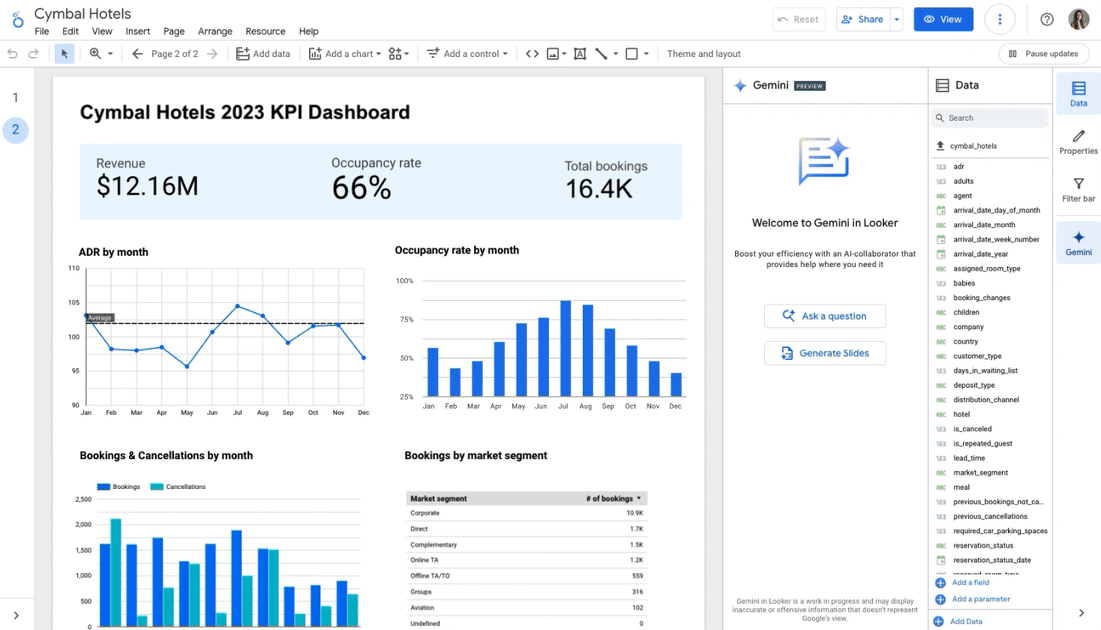
What it does: Gemini in Looker adds Conversational Analytics, Advanced Analytics (formerly Code Interpreter), LookML writing assistance, and a Visualization Assistant on top of Looker's semantic layer.
Best for: Teams on Google Cloud that want governed LookML models behind AI answers.
Pricing: Looker's editions require an annual quote and include 10 Standard users and 2 Developer users. Conversational Analytics has a shared monthly token allowance, though Google currently waives limits and overage fees.
Key features
- Conversational Analytics lets users ask questions of governed data in natural language
- Code Interpreter supports advanced analysis from within Conversational Analytics sessions
- LookML writing assistance helps developers build and extend the semantic model
- The Visualization Assistant helps users create charts and dashboards with Gemini
- The flexible semantic layer defines metrics once for dashboards and AI answers
Where it works well: When a metric definition changes in LookML, dashboards and Conversational Analytics both use the new version, so a dashboard total and an AI answer are less likely to disagree.
Where it falls short: Advanced Analytics, the Python-based analysis inside Conversational Analytics, isn't supported on Looker (Google Cloud core) instances that use CMEK (customer-managed encryption keys) or sit inside a VPC Service Controls perimeter (Google Cloud's network security boundary).
6. Databricks Genie
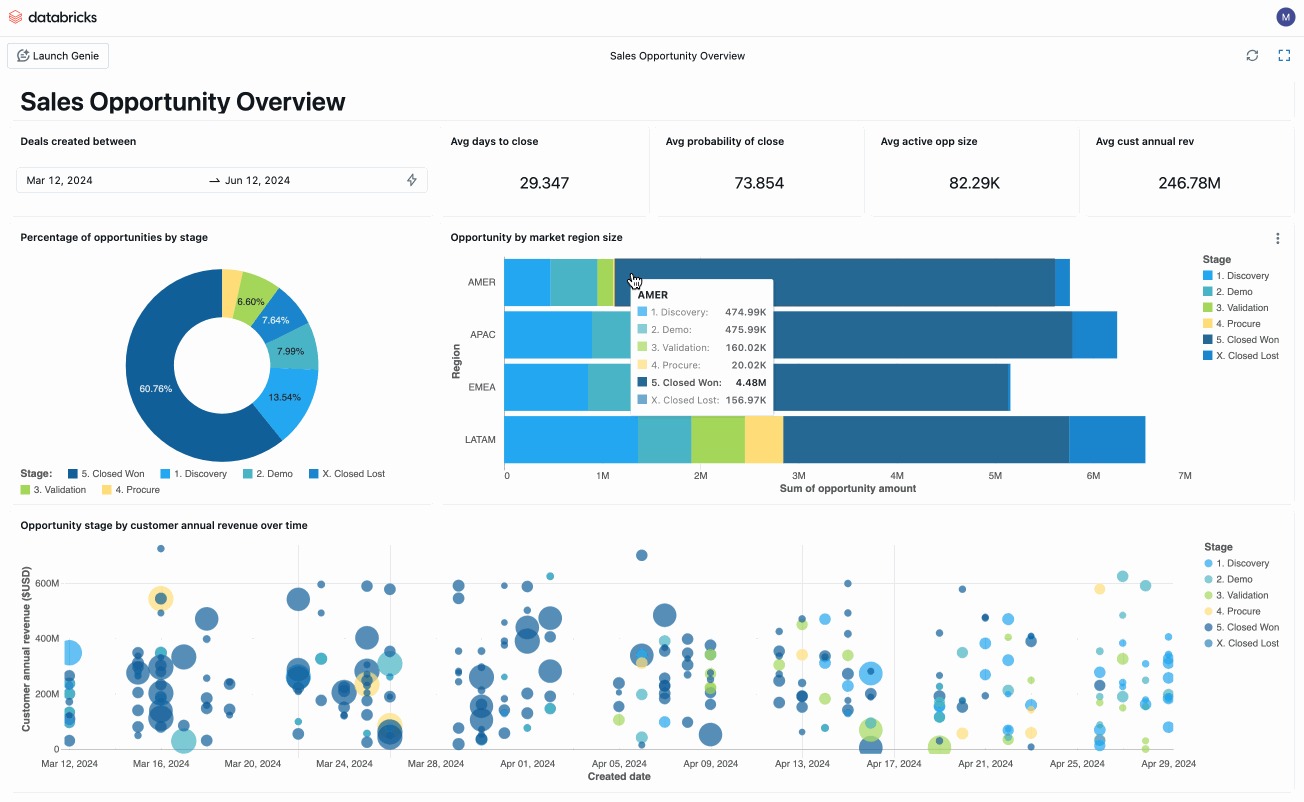
What it does: Genie is an AI coworker inside the Databricks Data + AI Platform that gives business users guided insights and agent creation in natural language.
Best for: Teams that already store and govern their data on Databricks.
Pricing: Databricks bills pay-as-you-go in Databricks Units (DBUs), metered per second with no up-front costs, and committed-use contracts offer discounts. Rates vary by product, cloud, and region, so check Databricks' pricing page and calculator.
Key features
- Genie gives business users guided insights and automated workflows in natural language
- Genie Ontology updates business context based on how people use the data
- Unity Catalog applies consistent permissions, lineage, and auditing across data and AI assets
- Agent Bricks helps teams build, evaluate, and govern production-ready AI agents
- Unity Gateway governs access, spend, and observability across agents, tools, and models
Where it works well: Genie can also answer questions over data in other systems, such as Snowflake and BigQuery, through Lakehouse Federation, so teams can start before migrating everything.
Where it falls short: Genie works best on data governed in Databricks, and federated queries depend on the source system's performance. DBU metering and separately billed compute make costs depend on usage.
7. Snowflake Cortex
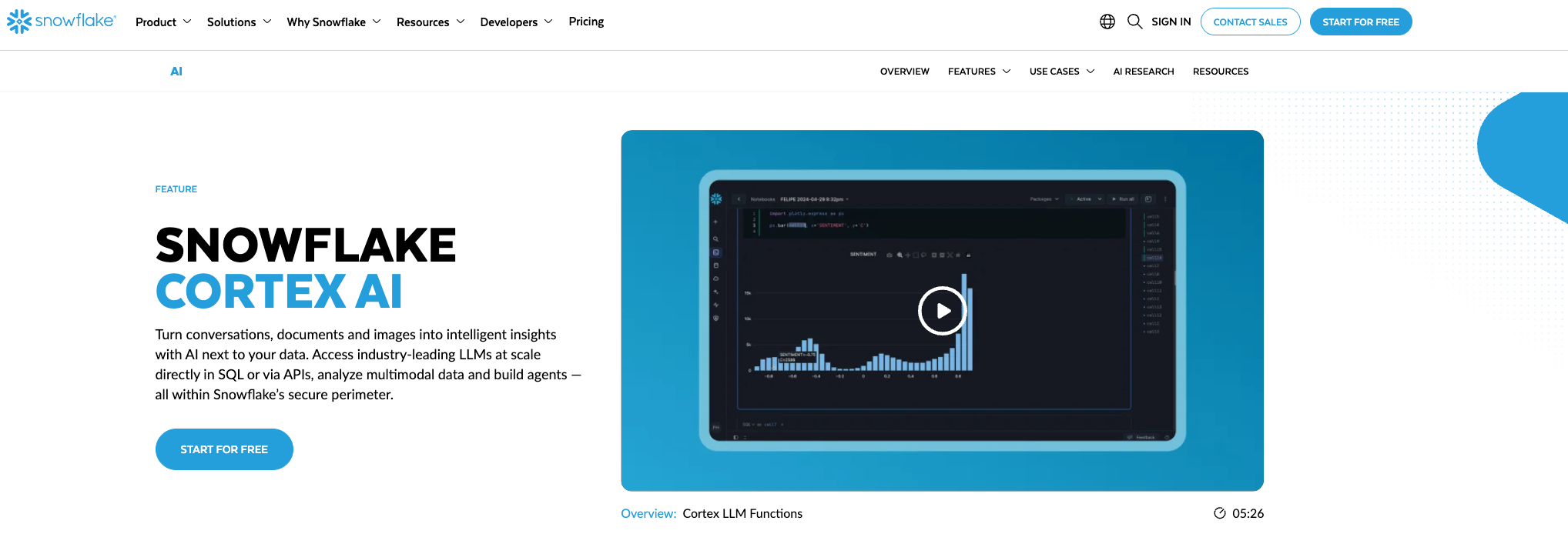
What it does: Snowflake Cortex turns natural-language questions into SQL inside Snowflake, and Cortex Agents and Snowflake CoWork build on it.
Best for: Teams whose data already lives in Snowflake.
Pricing: The Cortex Analyst API uses 67 Platform Credits per 1,000 messages, which costs $134 on Snowflake Standard in AWS US East. Cortex Search uses 6.3 AI Credits per GB of indexed data per month, or $12.60 at the global on-demand AI Credit rate.
Cortex Agents' charges vary by model and token usage.
Key features
- Cortex Analyst turns natural-language questions into SQL against a semantic model
- Cortex Agents extend Cortex Analyst into agent-style workflows inside Snowflake
- Snowflake CoWork offers a conversational interface built on Cortex services
- Cortex Search adds retrieval over your documents and tables inside Snowflake
- Cortex AI Functions (formerly Cortex AISQL) apply models to tasks such as completing, extracting, and summarizing
Where it works well: Cortex Analyst reads a semantic model that maps business terms to tables, so answers follow your definitions.
Where it falls short: Cortex works best on data that lives in Snowflake, including Iceberg tables, and Cortex Agents reach other systems through MCP connectors (a standard way to link an agent to outside tools). Answer quality depends on the semantic model your team writes and keeps up to date.
8. Domo
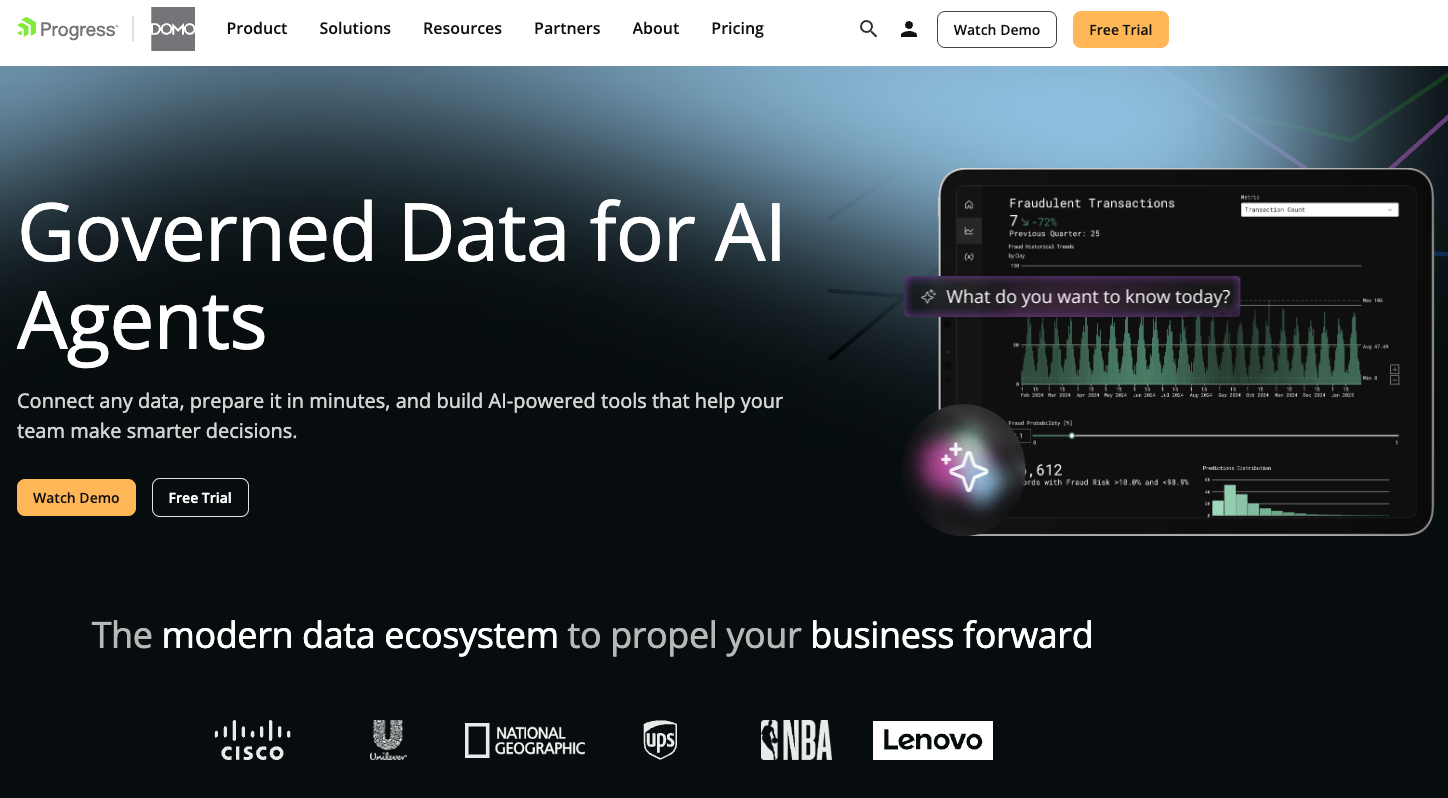
What it does: Domo AI Pro adds AI operations to Domo's BI platform, billed from the same pool of consumption credits as integration and workflows.
Best for: Organizations that want integration, transformation, dashboards, and AI agents from one vendor.
Pricing: Domo offers a 30-day free trial with access to the full platform and unlimited users, with no credit card required. Paid pricing is custom and usage-based, with volume discounts and add-ons available.
Key features
- Domo AI Pro charges 0.01 credits for each AI operation plus model tokens
- AI chat requests cost 0.2 credits each through October 31, 2026. From November 1, 2026, chat moves into Domo AI Pro and is billed per operation plus model tokens
- Models you connect yourself incur no token credits
- Beast Mode Assistant helps users write calculated fields at no added cost
- SQL Assistant supports query writing and stays included in your Domo contract
Where it works well: One contract covers ingestion, transformation, dashboards, and AI, so a single credit balance covers every part.
Where it falls short: Credits cover ingestion, transformation, storage, and AI, so spend follows usage patterns, and token rates sit on a Rate Card in the admin area.
9. Qlik
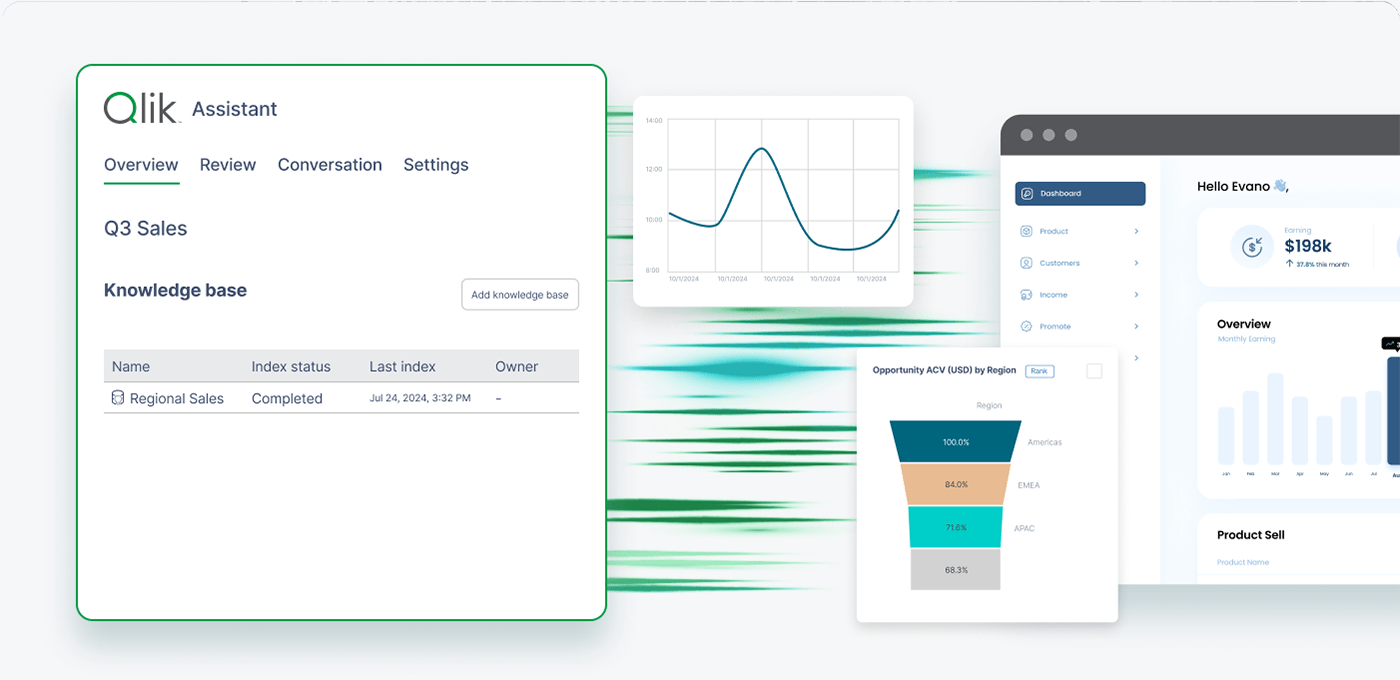
What it does: Qlik Answers is an agentic chat interface that answers questions across structured and unstructured data using the Qlik analytics engine.
Best for: Teams that value the Qlik analytics engine and want agentic questions across analytics and documents.
Pricing: Qlik Cloud Analytics starts at $300/month for Starter (10 users and a fixed 10GB of data), $825/month for Standard (starting at 25GB), and $2,750/month for Premium (starting at 50GB), all billed annually. Enterprise pricing requires a quote and starts at 250GB of data for analysis.
Key features
- Qlik Answers provides agentic chat across structured analytics and unstructured content
- The Discovery Agent monitors data and metrics for changes and anomalies
- The Qlik MCP server connects the analytics engine to assistants like Claude and ChatGPT
- The Automate Agent triggers workflows from natural-language requests inside analytics
- Data products share measures, dimensions, and relationships across Qlik Answers and apps
Where it works well: Qlik Answers replaces Insight Advisor in tenants that enable the agentic experience, and the semantic layer extension gives assistants shared business definitions.
Where it falls short: The agentic Qlik Answers experience requires opting in to cross-region inference, which allows inference requests to leave the tenant's region. Teams with strict data residency requirements should check whether that meets their policies before enabling it.
10. Hex
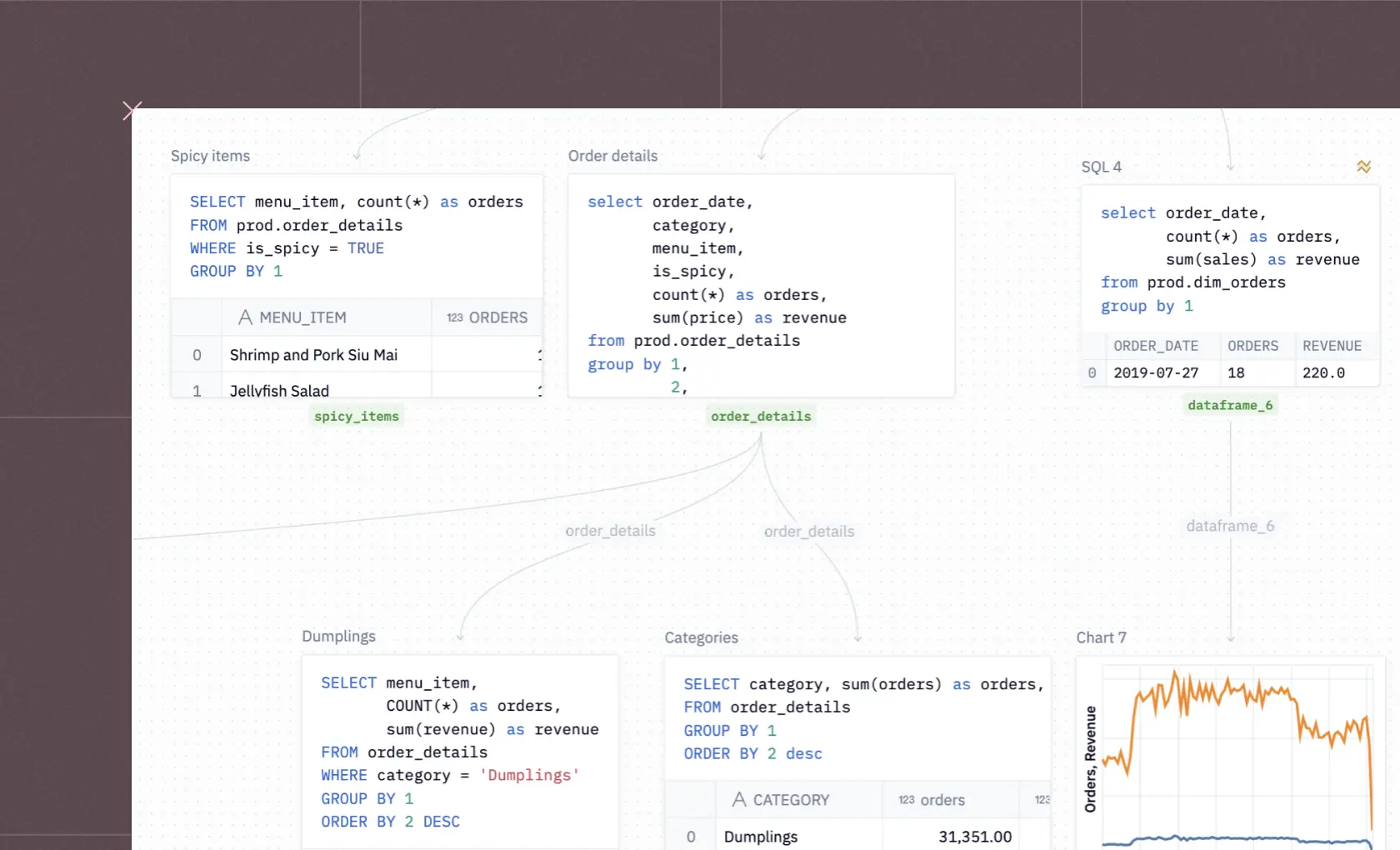
What it does: Hex's Notebook agent builds analysis from prompts, and Threads lets people ask questions based on semantic models and warehouse tables.
Best for: Analysts and data scientists who want SQL, Python, and AI agents in one workspace.
Pricing: Hex Community is free but limited: it includes a Hex agent trial, 5 AI credits per month, small compute, up to 5 published apps, and 7-day version history. Professional costs $36 per editor per month, and Team costs $75 per editor per month. Enterprise pricing is custom.
Key features
- The Notebook agent builds analysis from prompts with full access to project context
- Threads lets people ask plain-language questions on semantic models and warehouse tables
- The semantic model agent helps teams create the models that Threads relies on
- Notebooks support all cell types, so analysts mix SQL, Python, and charts
- Published data apps share finished analysis with colleagues who do not code
Where it works well: Threads prioritizes semantic models and endorsed data sources, and any thread can be saved as a notebook project, where an editor can inspect and rework the logic behind the answer.
Where it falls short: Threads requires an Explorer role or higher. AI features consume credits from monthly per-seat grants that refresh each month and do not roll over.
11. Omni
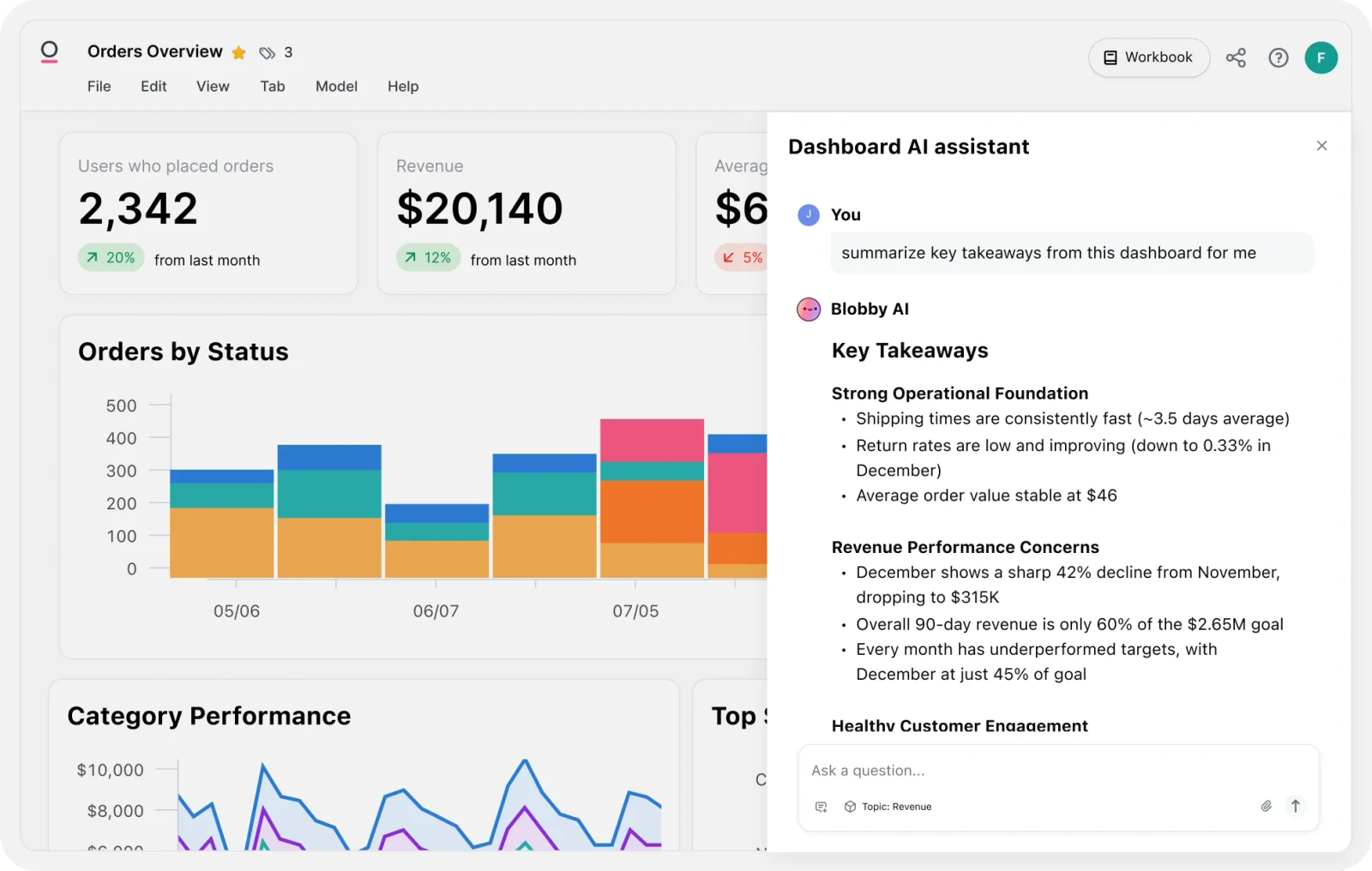
What it does: Omni's AI generates semantic queries through its semantic model and translates them into SQL.
Best for: Teams that want one governed semantic model behind dashboards, workbooks, ad-hoc SQL, and AI.
Pricing: Omni's free trial is request-gated, and Omni does not state the trial length. Paid pricing requires a quote, with no public list price.
Key features
- A semantic model defines metrics, business logic, and permissions in one governed place
- A standalone AI chat interface answers questions on top of the semantic layer
- Git version control tracks changes to the semantic model over time
- AI queries respect row-level security because they run through the semantic layer
- Custom AI context lets you steer which datasets answer specific questions
Where it works well: Omni's AI Hub runs prompt sets you define against a model or branch, so you can validate changes before they reach production.
Where it falls short: Budgeting starts with a sales conversation, and the quality of AI answers depends on the semantic model your team defines.
How to choose an AI analytics platform
Choose an AI analytics platform by testing who needs answers, what data they can use, and how much work it takes to produce a trusted result.
Start with the people asking questions
A finance leader asking about revenue needs a different experience from an analyst investigating the calculation behind it.
Give business users a way to ask follow-up questions, then check whether analysts can inspect the query and correct the underlying definition.
If analysts spend most of their time cleaning data before anyone can ask a question, include data preparation in the shortlist.
Check how it fits your data stack
Products such as Genie and Cortex work within Databricks and Snowflake. Others connect across platforms or sit within a broader BI setup. Check where queries run, which permissions apply, and who owns the business definitions that shape each answer.
Price the workflow
Compare the cost of the people using the tool, the capacity or credits they consume, and any warehouse compute.
Include the time needed to prepare data and keep metrics current. Pricing models can vary even within one vendor's plans, which makes a single monthly seat price an incomplete comparison.
Run the same test in each product
Use one dataset and five questions your team already knows how to answer. Include an ambiguous metric and a question the user should not have permission to answer. Compare the results, inspect the queries, make one definition change, and measure what that test costs.
Final verdict
Start with the people who need answers from your AI analytics platform. Power BI, Tableau, and Domo suit teams sharing dashboards across the business, while Qlik is worth considering when users need to ask questions across analytics apps and other approved sources.
ThoughtSpot focuses on search and conversational exploration. Looker and Omni appeal to teams that want shared business definitions behind those answers.
For analysts doing deeper work, Hex brings SQL, Python, and AI into a collaborative notebook. Databricks Genie and Snowflake Cortex are natural candidates when the team already works in those platforms.
Prophecy fits teams whose analysts need to prepare, validate, and analyze data themselves, with the platform team reviewing the same logic as SQL.
Shortlist the two that match your users and data stack, then give both the same real workflow. The better choice is the one your team can trust, keep running, and afford once regular use begins.
For teams moving analyst work onto the warehouse
Moving analysis to Databricks, Snowflake, or BigQuery raises an ownership question: who owns the joins, exclusions, and calculations analysts use every week? The ownership answer matters as much as the AI interface you choose.
Request a demo with one existing workflow and its expected output. Have an analyst check the result while your platform team reviews the generated SQL and changes in Git.
Frequently asked questions
Which is the best AI for analytics?
The best AI for analytics depends on where your data lives and who asks the questions. Databricks teams should look at Databricks Genie, Snowflake teams at Cortex, Microsoft teams at Power BI, and teams that need data prepared first at Prophecy.
Can I use ChatGPT for data analysis?
Yes, ChatGPT can analyze data you paste or upload, but a one-off answer comes with no semantic layer, no permissions on each query, and no audit trail. An AI analytics platform adds those controls.
What is the difference between an AI analytics platform and traditional BI?
The main difference between an AI analytics platform and traditional BI is the interface. Traditional BI shows dashboards that analysts build, and an AI analytics platform answers new questions in plain language using the same governed definitions.
What are the 5 main AI platforms?
Five widely compared platforms are ThoughtSpot, Power BI with Copilot, Tableau, Looker with Gemini, and Databricks Genie. Snowflake Cortex, Domo, Qlik, Hex, Omni, and Prophecy round out the list of 11.
Which AI analytics platform costs the least?
Prophecy Starter and Hex Community are free (Starter runs on Prophecy's managed warehouse), and Power BI Desktop is free for creating reports. Among the published paid per-user plans in this list, Power BI Pro starts lowest at $14 per user per month.
The $14 price does not include everything needed for Copilot, which also requires eligible paid Fabric or Power BI Premium capacity. Compare the cost of the AI features you plan to use, including any warehouse compute.