
Alteryx cleans and analyzes your data. Power Automate moves work between your apps, people, and desktops.
An Alteryx vs. Power Automate decision comes down to which job you are buying for. We compared Alteryx One and Power Automate against vendor pricing pages, Alteryx and Microsoft help documentation, and licensing terms, then checked both against user reviews on G2.
Here’s how to match a job to the right tool, what each costs, and whether Power Query can replace Alteryx.
Alteryx vs. Power Automate: 30-second answer
Alteryx prepares and analyzes data, and Power Automate automates the business steps and desktop tasks around it. Choose Alteryx when the work is cleaning, joining, and analyzing data. Choose Power Automate when the work is scheduled uploads, event triggers, or desktop tasks.
Teams often run both. Alteryx builds the dataset, then Power Automate routes it for approval and files the result where the business needs it.
Alteryx vs. Power Automate: Quick comparison
Alteryx covers data prep and analytics, Power Automate covers workflows and RPA, and the table below breaks the difference into 12 dimensions.
Both columns depend on the plan. Alteryx Starter connects to file sources, and Professional adds 100+ data sources and advanced prep. In Power Automate, Premium covers attended desktop flows, and Process adds unattended ones.
What is Alteryx?
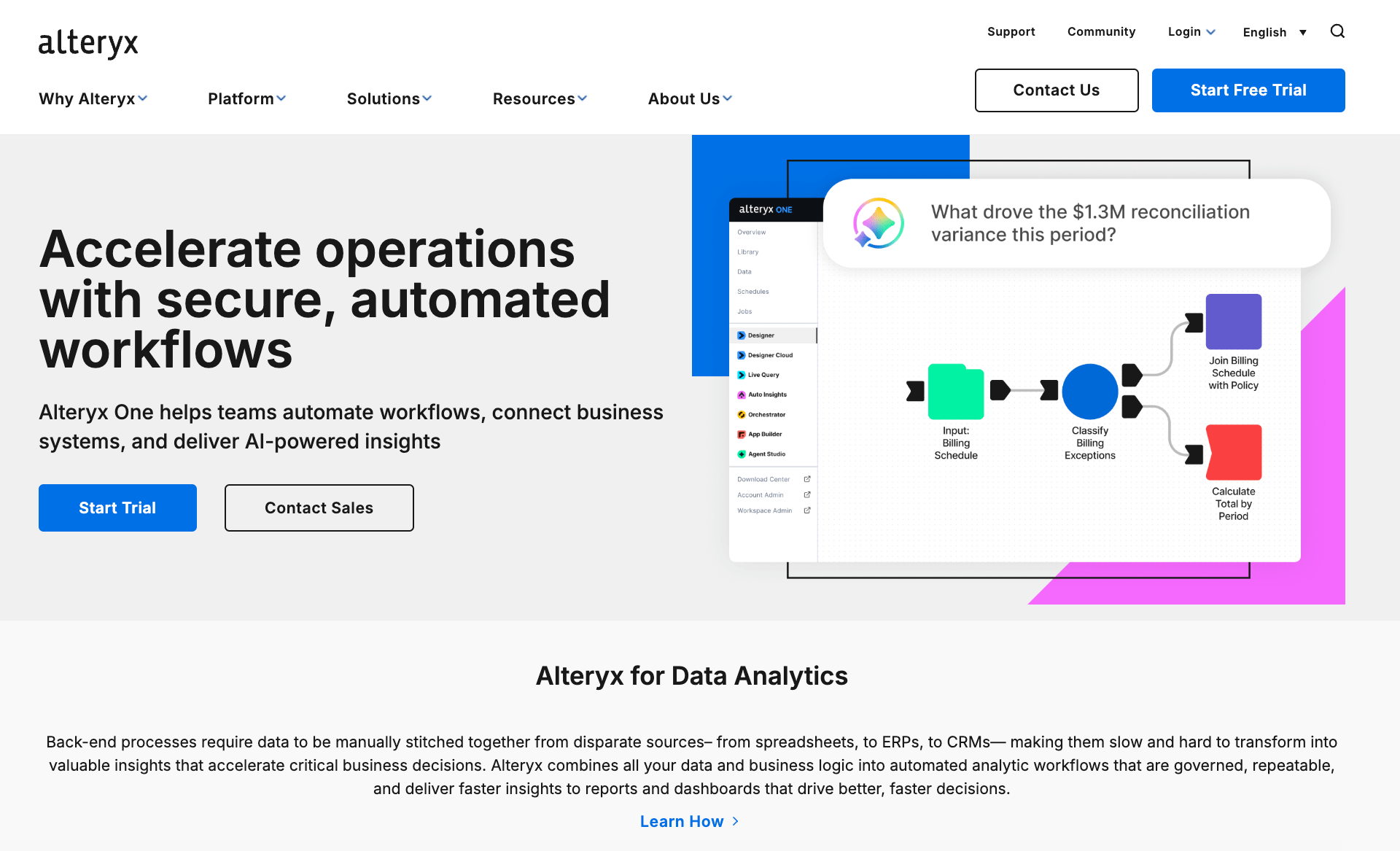
Alteryx is a data preparation and analytics platform that builds drag-and-drop workflows for blending, transforming, joining, and aggregating data.
Alteryx's data preparation page describes profiling, validation, and lineage tracking inside those workflows. Prepared data then feeds analytics models and AI systems. Alteryx One packages the platform in Starter, Professional, and Enterprise editions.
A typical Alteryx job reconciles records across financial systems at month-end close or builds a demand forecast from several sources. Our guide to data analytics automation explains what it covers and where teams should start.
What is Power Automate?
Power Automate is Microsoft's service for automating workflows and desktop tasks.
According to Microsoft's overview of flow types, cloud flows start automatically, instantly, or on a schedule, and desktop flows automate tasks on the web or a desktop.
A typical Power Automate job uploads data to SharePoint or a database each morning, or uses a desktop flow to extract data from websites into Excel files.
Key differences between Alteryx and Power Automate
A team might use Alteryx to prepare a weekly sales report, then use Power Automate to send it for approval. Comparing the tools starts with the work each one owns.
Data output vs. action
Alteryx helps analysts combine sources, clean records, apply business rules, and produce a dataset or report.
Power Automate responds to a trigger, such as a form submission or a scheduled time, and carries out actions across apps or desktops.
Analyst vs. process-team ownership
An analyst who knows the data and its reporting rules is well placed to maintain an Alteryx workflow. Power Automate flows often sit closer to the team that owns the process, such as routing an approval or updating a record.
For either tool, ask who can fix the workflow when a source field changes or a step fails. The answer affects how quickly routine requests get resolved.
How each tool is licensed
Alteryx costs depend on the edition, user roles, and automation needs. Power Automate licensing depends on who runs the flow, the connectors it uses, and whether desktop automation needs a bot.
Price a workflow your team runs today, including the licenses and the time needed to support it. That gives you a clearer comparison than the starting price of either product.
Pros and cons: What real users say
G2's reviews put Alteryx at 4.6 out of 5 across 960+ reviews and Power Automate at 4.4 out of 5 across 1,093 reviews. Alteryx gives analysts more room to prepare data, and Power Automate covers more of the actions around that work.
Alteryx pros and cons
G2’s Alteryx reviews often praise the visual workflow builder and the time it saves on repeat data preparation. Reviewers also raise concerns about licensing costs and the learning curve for more complex workflows.
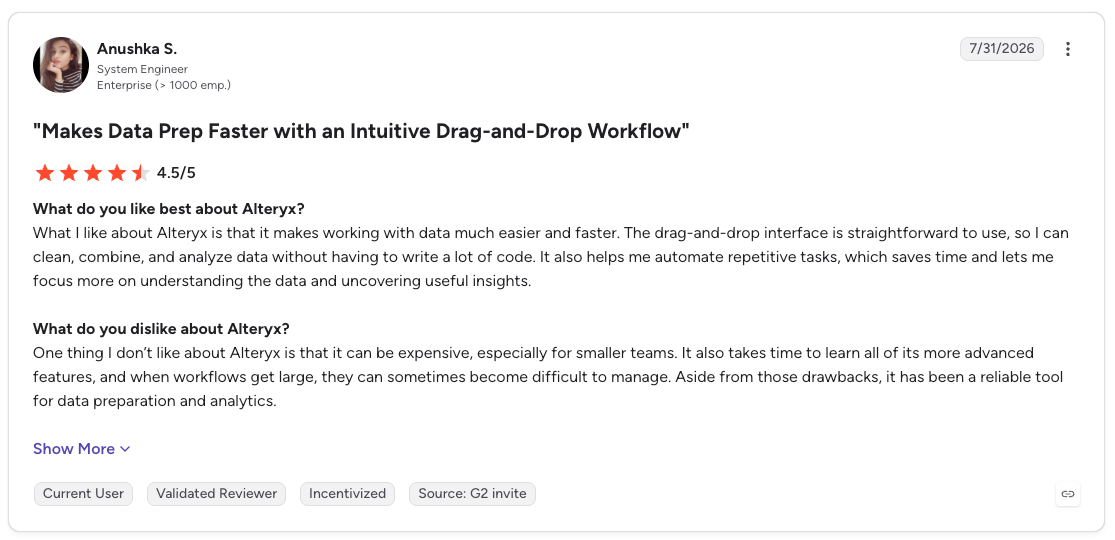
- Pro: “What I like about Alteryx is that it makes working with data much easier and faster. The drag-and-drop interface is straightforward to use, so I can clean, combine, and analyze data without having to write a lot of code. It also helps me automate repetitive tasks, which saves time and lets me focus more on understanding the data and uncovering useful insights.” (Anushka S., G2 review, July 31, 2026)
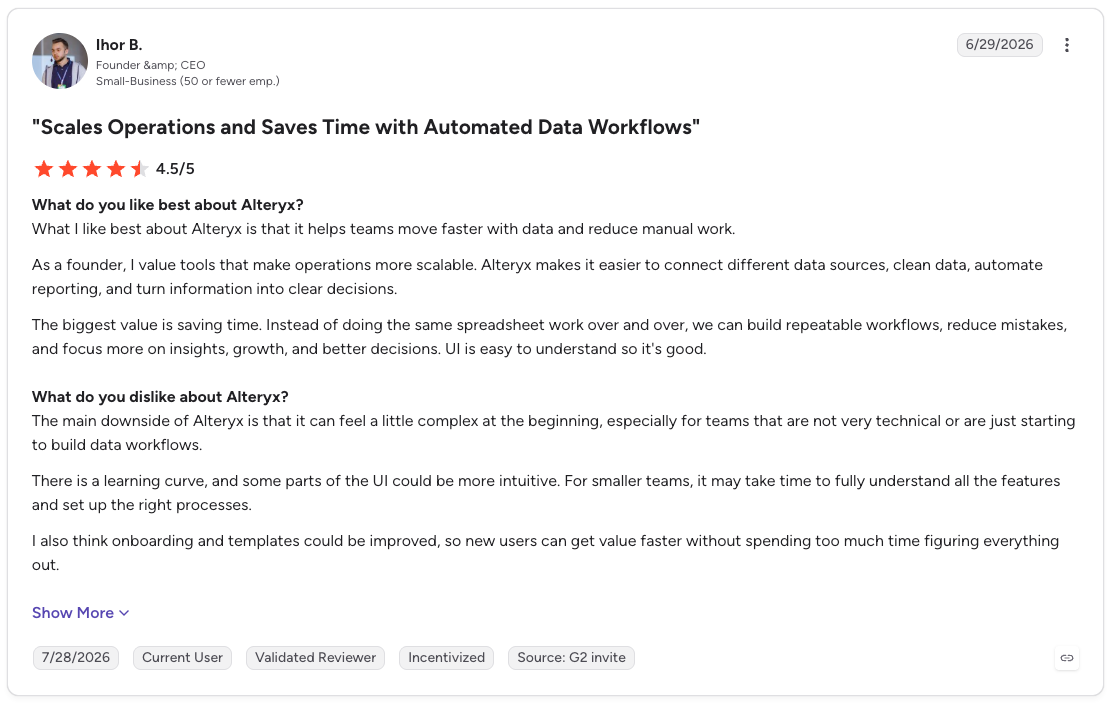
- Con: “The main downside of Alteryx is that it can feel a little complex at the beginning, especially for teams that are not very technical or are just starting to build data workflows. There is a learning curve, and some parts of the UI could be more intuitive. For smaller teams, it may take time to fully understand all the features and set up the right processes.” (Ihor B., G2 review, June 29, 2026)
Power Automate pros and cons
G2’s Power Automate reviews highlight its ease of use for routine tasks and its connections with Microsoft 365 apps. Complaints tend to surface as flows grow more complex, particularly around debugging, performance, and licensing.
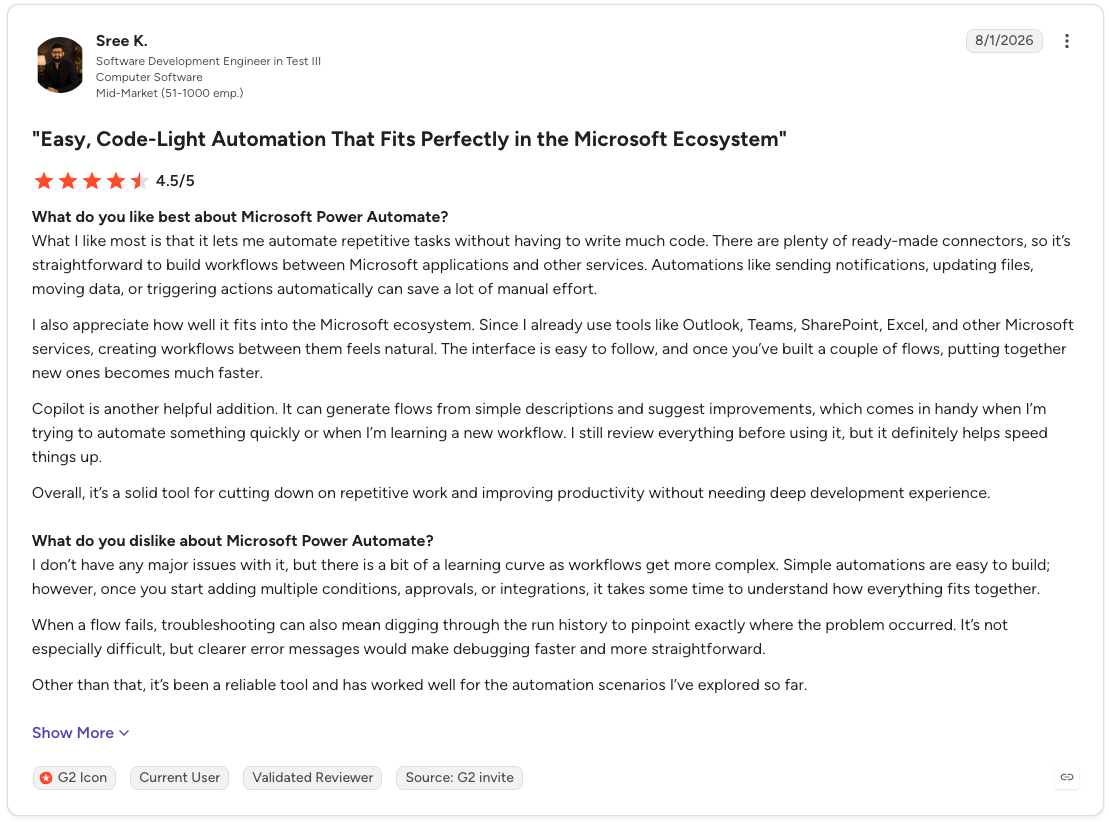
- Pro: “What I like most is that it lets me automate repetitive tasks without having to write much code. There are plenty of ready-made connectors, so it’s straightforward to build workflows between Microsoft applications and other services. Automations like sending notifications, updating files, moving data, or triggering actions automatically can save a lot of manual effort.” (Sree K., G2 review, August 1, 2026)
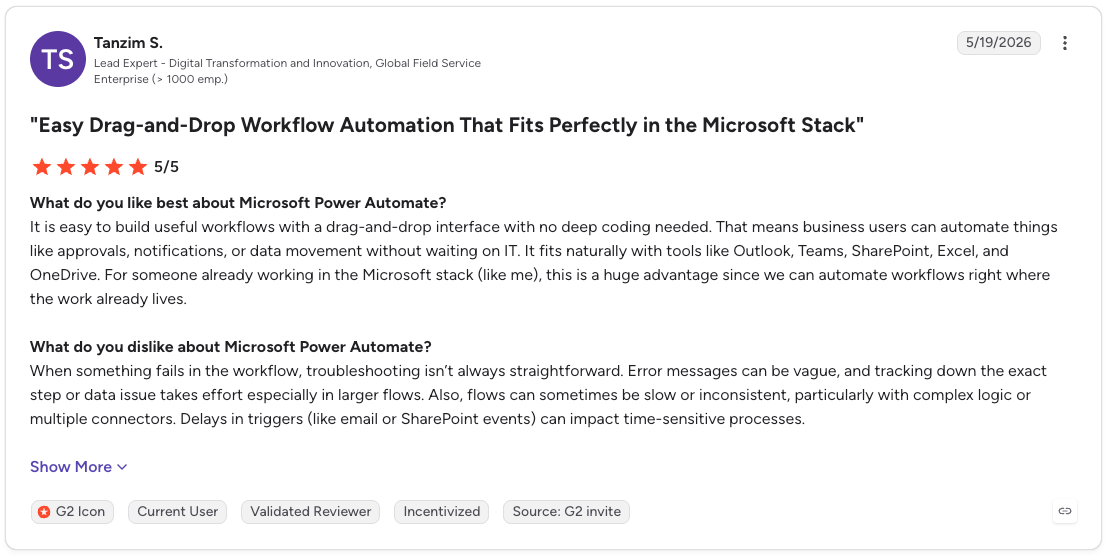
- Con: “When something fails in the workflow, troubleshooting isn’t always straightforward. Error messages can be vague, and tracking down the exact step or data issue takes effort, especially in larger flows. Also, flows can sometimes be slow or inconsistent, particularly with complex logic or multiple connectors.” (Tanzim S., G2 review, May 19, 2026)
Note: Licensing comes up in both sets of reviews, so price your workflow you actually run before you commit to either.
Alteryx vs. Power Automate: Pricing compared
Alteryx pricing depends on the edition, user roles, and automation runs. Power Automate pricing depends on user licenses or process capacity.
Price the complete workflow, including any Power BI licenses and the time needed to maintain it.
Disclaimer: Microsoft notes that displayed prices are for marketing purposes only and may not reflect the real list price. Your actual price appears at checkout.
A 10-person team would pay $2,500 per month for Alteryx Starter or $150 per month for Power Automate Premium under the published annual terms. Those totals cover different capabilities.
If you plan to replace an Alteryx workflow with Power Query, Power BI, and Power Automate, include the required Microsoft licenses, any bot capacity, and the work of rebuilding and supporting the data logic.
When to use Alteryx or Power Automate
Alteryx fits workflows that prepare and analyze data, and Power Automate fits workflows that respond to events and carry out actions across apps or desktops.
Choose Alteryx for data preparation and analysis
- Reconcile month-end figures from several systems
- Combine sales, inventory, and other sources for a forecast
- Prepare the data behind a recurring management report
- Apply the same validation rules to each new file or dataset
Choose Power Automate for actions across apps
- Upload a file to SharePoint or a database every morning
- Route a finished report to a reviewer for approval
- Kick off a process the moment someone submits a form
- Pull data from a website into Excel with a desktop flow
Use both if you …
- Run a month-end process where Alteryx prepares the figures and Power Automate routes them for review
- Need an approval or a notification to fire the moment a dataset is ready
- Already own Microsoft 365 licenses and want the handoff to stay inside tools your team has
For any route, name the person who owns each part and what happens if the handoff fails.
Can you use Alteryx and Power Automate together?
Yes. Alteryx can start a Power Automate flow from a Designer workflow, and Power Automate can send a request to Alteryx Server to start a job. The direction depends on which event should begin the process.
Start a Power Automate flow from Alteryx
The Power Automate tool for Alteryx Designer can pass values from a workflow into a selected flow. For example, after preparing a reconciliation file, an analyst could use the flow to notify the reviewer responsible for the next step. The tool is a separate download from Alteryx Community.
If you plan to run the workflow on Alteryx Server, check authentication and connector compatibility before building around it. Alteryx's connector documentation states that Server needs stored credentials to run published workflows, that DCM is required to run this connector in Alteryx Server, and that version 1.1.0 is only compatible with the AMP engine.
Start an Alteryx job from Power Automate
A Power Automate flow can respond to an event, then call the Alteryx Server API to queue a workflow job. This could let a form submission or an approval start data preparation without someone opening Designer.
Your team will need to configure API access and check the job’s result before the flow takes its next action.
Budget for the connection as well as the run. An HTTP action or custom connector may require a Power Automate premium entitlement, while Alteryx One lists API-triggered automation under Enterprise and counts successful API-triggered jobs toward automation run capacity.
Can Power Query, Power BI, and Power Automate replace Alteryx?
Yes, for some Alteryx workflows. Power Query can prepare the data, Power BI can present the results, and Power Automate can move files or route approvals. For complex Alteryx workflows, like ones that include iterative macros, custom tools, or apps, Power Query + Power BI + Power Automate may not provide enough functionality.
Where the Microsoft tools fit
Power Query is Microsoft's data transformation engine: you point it at a source, shape the data in its editor, and the steps are stored as a query that reruns on refresh.
Analysts can use it in Excel and Power BI Desktop, and dataflows provide an online option for reusable preparation. Power BI presents the results, while Power Automate handles triggers and actions across applications.
Microsoft's overview diagram shows four Power Query destinations: Azure Data Lake Storage, Dataverse, Excel, and Power BI. Confirm that your required output location is supported.
What to test before moving an Alteryx workflow
Choose a recurring workflow with a known exception, such as a month-end reconciliation that excludes late adjustments.
Rebuild it with the Microsoft tools, then compare the result and the work required to maintain it:
- Results and business rules: Do the joins, calculations, exceptions, and final totals match?
- Ownership and review: Where does the preparation logic live, who can change it, and how does another person inspect the change?
- Refresh and delivery: Can the team run the workflow on its required schedule and deliver the output where it is needed?
- Licensing: Which Power BI, dataflow, connector, and Power Automate entitlements does the working version require? Microsoft 365 access to standard connectors does not cover premium connectors.
A successful pilot reproduces the total. Then ask the analyst to make a routine rule change and trace its effect through the output. That shows whether the new workflow will remain practical after migration.
Where Prophecy fits in an Alteryx migration
Prophecy is an AI data prep and analysis platform. If your main goal is to move Alteryx data preparation and analysis onto a cloud data platform, its Import feature converts roughly 90% of an existing Alteryx workflow into a visual workflow that analysts inspect, test, and refine.
On the paid tiers, those workflows run natively on Databricks, Snowflake, or BigQuery, with no separate engine to stand up. Compare converted outputs with known results and review any steps that need adjustment.
Final verdict
If the work is cleaning and joining data, no amount of Power Automate licensing will do it, and if the work is routing a file or an approval, Alteryx is an expensive way to get there. Price the workflow your team already runs every week, then buy for that.
Move analyst-owned workflows onto your cloud data platform
For data leaders comparing Alteryx vs. Power Automate, the choice also raises a migration question: how will analysts self-serve data requests, and does your platform team have visibility into the workflows, with the ability to deploy recurring work to production?
Bring one Alteryx workflow, its exception rules, and an expected result to a Prophecy demo. See how an analyst checks the converted workflow and how your platform team reviews its path to deployment.
Request a demo to see how your team can move an Alteryx workflow to Databricks, Snowflake, or BigQuery, validate its business rules, and review changes before deployment.
Frequently asked questions
Is Power Automate being phased out?
No, Power Automate is not being phased out. Microsoft retired the standalone mobile app in August 2026, but existing cloud flows continue to run. You can still create and manage flows through the Power Automate web portal.
Will AI replace Alteryx?
AI has not replaced Alteryx, and it is being built into the product instead. Alteryx now ships Auto Insights, Ask Alteryx, and Agent Studio, so the workflows analysts build still sit at the center of the tool. Teams can also evaluate AI-assisted Alteryx alternatives.
Is Alteryx difficult to learn?
No, Alteryx is generally approachable for a first workflow. Its drag-and-drop canvas lets analysts get started without code, though complex workflows with many business rules take more time to learn and maintain.
Can Prophecy migrate existing Alteryx workflows?
Yes. Prophecy Import converts Alteryx workflows into visual workflows that analysts can inspect, refine, and validate before running them on Databricks, Snowflake, or BigQuery. Import volume depends on the plan.
Does Prophecy replace Power Automate?
No, Prophecy does not replace Power Automate. Prophecy handles data preparation and analysis, while Power Automate handles actions across apps and desktops. Your team can use both when a data workflow feeds an approval or another business process.