
KNIME Analytics Platform is free, while cloud automation starts with Pro at $19 per month. Team starts at $99 per month, and Business Hub requires a quote.
For a data leader, the useful question is what it costs to run and govern the workflows analysts build. Scheduled runs consume credits, and collaboration needs change as more people join.
This guide breaks down KNIME’s pricing plans, usage charges, and the point where each tier makes sense.
KNIME pricing for individuals and teams: Quick comparison
KNIME offers free options for local workflow building and personal online use. Paid plans add cloud automation, team collaboration, and enterprise controls.
Pro and Team charge $0.025 per vCore minute beyond their included credits. KNIME lists prices in both dollars and euros; confirm the applicable price and Business Hub terms with KNIME before buying.
What is free in KNIME and where does free end?
KNIME’s desktop Analytics Platform and Personal Hub account are free, including for commercial work; paid plans become relevant when you need cloud scheduling, data apps, or private team collaboration.
KNIME Analytics Platform lets you build and run visual workflows locally, connect to 300+ data sources, and combine visual steps with code. A free Personal account adds 20 K-AI interactions per month, self-paced courses, and access to the KNIME forum.
KNIME Pro and Team pricing breakdown
KNIME Pro starts at $19 per month for one user, while Team starts at $99 per month for three team members. Both plans include 120 credits for cloud workflow execution, with usage charges after those credits run out.
KNIME Pro for individual automation
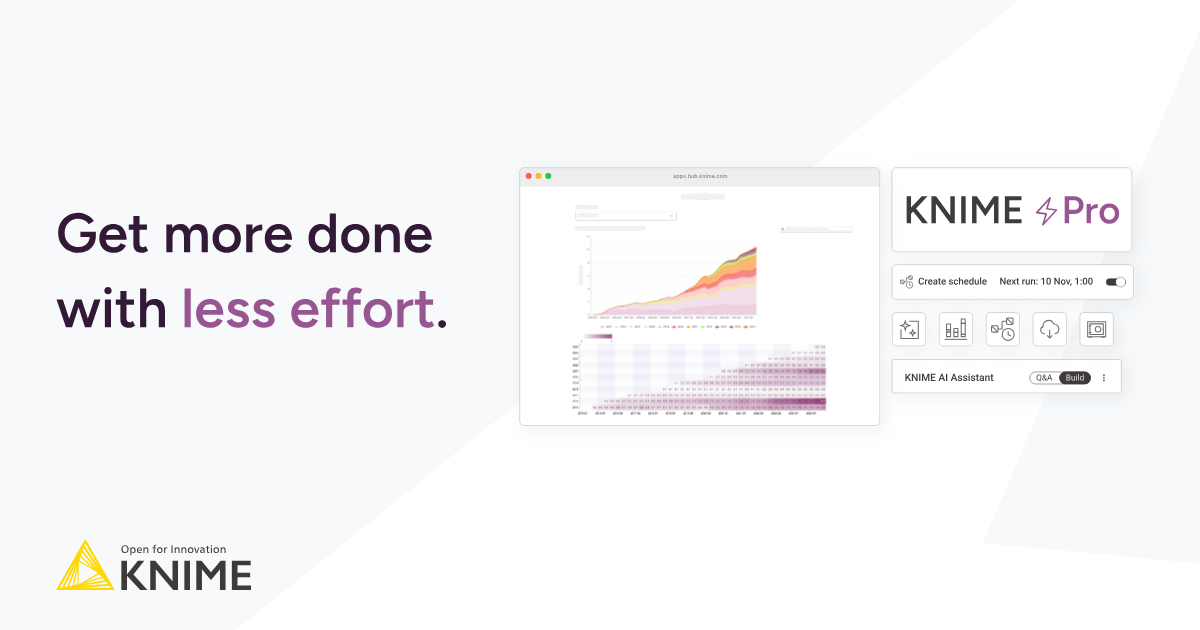
Pro suits an analyst who builds workflows in the desktop Analytics Platform and needs to run them on a schedule or share the results. It includes 30 GB of disk space, secure secrets storage, unlimited versioning, and 500 K-AI interactions per month.
KNIME Team for private collaboration
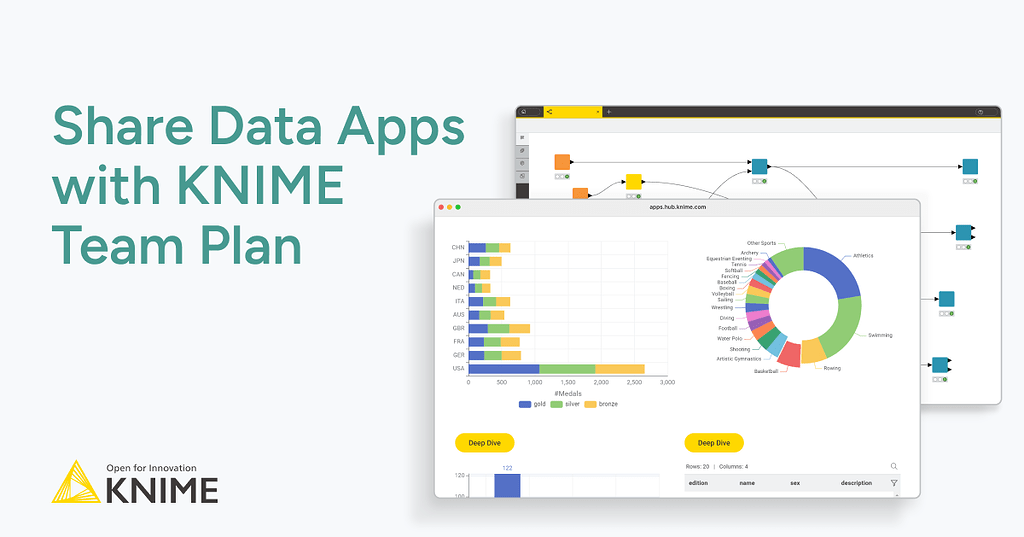
Team includes Pro’s features and adds private spaces and centralized billing. Three members are included, with additional members at $49/month each. KNIME’s plan comparison lists support for up to 10 members.
Pro fits a single workflow owner. Team fits a small group that needs private collaboration. For either plan, check whether KNIME’s cloud can reach your data sources and estimate how long scheduled workflows will run.
How KNIME credits and vCore minutes affect your cost
KNIME credits measure cloud execution time: one vCore uses one credit per minute. Pro and Team include 120 credits, and additional runtime costs $0.025 per vCore minute. A larger executor uses credits faster because it runs more vCores at once.
KNIME charges for cloud execution while the context is running. Executor size determines how quickly credits are used, and run duration determines how long they’re used.
A worked example
Suppose a workflow runs for 10 minutes a day on the Small executor. It uses 20 credits per run, or 600 credits over 30 days. After the 120 included credits, the remaining 480 cost $12.
With Pro’s $19 base price, the estimated monthly total is $31. Actual costs depend on how long the execution context stays running.
KNIME Business Hub pricing and plan tiers
KNIME lists Business Hub pricing as available on request, so the pricing page shows no dollar figure. It offers three tiers, and each tier comes with a commercial license and support during U.S. and EU business hours.
- Basic: 4 vCores of included execution and 5 included users
- Standard: 8 vCores and 5 included users
- Enterprise: 16 vCores, 20 included users, and support beyond business hours
Business Hub adds what Pro and Team lack: LDAP and OAuth/OIDC sign-in, SCIM (automated user provisioning), staged deployment, a GenAI gateway, dedicated resources, and custom extensions and code environments.
Which KNIME plan should you choose?
Choose the free Analytics Platform for desktop workflows, Pro for individual cloud automation, Team for private collaboration, and Business Hub for enterprise deployment and governance.
Choose the free Analytics Platform if you …
- Build and run workflows on your desktop
- Can manage runs yourself and share work through a free Personal account on KNIME Hub
Choose Pro if you …
- Own workflows that need scheduled runs, data apps, or REST services
- Work alone and use data sources KNIME’s cloud environment can reach
Choose Team if you …
- Need private spaces where several people can work on workflows
- Want centralized billing for a small business team; the plan includes three members and supports up to 10
Choose Business Hub if you …
- Need corporate sign-in through LDAP or OAuth/OIDC, or user provisioning through SCIM
- Need staged deployment, dedicated execution resources, or enterprise support
Before choosing a cloud plan, test one recurring workflow with its real data sources and schedule. That will help you check access requirements and estimate execution costs.
Is KNIME worth the cost?
KNIME is worth the cost when scheduled workflows save your team enough time to justify the plan and any usage charges. The desktop platform is free, which gives you a way to test the work before paying for cloud execution or collaboration.
A paid plan is easier to justify when you:
- Run the same spreadsheet or reporting process on a fixed schedule
- Need to share results as data apps or let a team work in private spaces
- Want analysts to build visual workflows while keeping code available for complex steps
For example, if a team spends hours updating the same Excel report each week, automate one run and record the time saved. Compare that saving with the plan price and expected runtime charges.
Before choosing Pro or Team, check that KNIME’s cloud can connect to every data source your workflows use. If your business analysts want to describe a task in plain language and get a visual workflow they can inspect alongside the generated SQL, compare KNIME with a data prep platform that supports this approach.
The base price may grow with extra runtime, K-AI requests, or Team members. For Business Hub, ask KNIME to include setup, infrastructure, support, and professional services in the quote.
KNIME alternatives and pricing comparison
KNIME has the lowest published entry price of the three, starting with a free desktop platform. The plans cover different work, though, so the monthly price alone will not tell a team what its workflows cost to run.
KNIME vs. Prophecy: Which should you choose?
Choose KNIME if your team wants a free desktop tool for visual workflows, analytics, and machine learning. Its paid plans add cloud execution and collaboration when those become necessary.
Choose Prophecy if your teams prepare shared datasets on Databricks, Snowflake, or BigQuery. Analysts can build with AI and check the workflow visually, while the resulting SQL and Git history give platform teams something concrete to review. KNIME can remain useful for exploration and machine learning.
The Data Preparation Tools Compared (2026) guide puts both approaches in the context of other options.
Price the workflow your team needs to run
KNIME’s pricing plan is only part of the estimate when analysts need scheduled workflows and your platform team needs to review changes. Start with one recurring report and account for the people, execution time, and work required to put it into production.
Request a demo to see that same report built in Prophecy. Your analysts run the workflow themselves, and your platform team can review it on your own Databricks, Snowflake, or BigQuery.
Frequently asked questions
1. What is the difference between KNIME and Prophecy?
The main difference is where each tool focuses its work. KNIME covers visual analytics and machine learning, starting on a free desktop platform. Prophecy focuses on AI data prep and analysis built for analysts and business users. Prophecy provides you with a visual workflow and production SQL code together on Databricks, Snowflake, or BigQuery.
2. Is KNIME free to use?
Yes, KNIME Analytics Platform is free and open source for building and running workflows on your desktop, including for commercial work. You need a paid plan when you want KNIME to schedule workflows in the cloud or deploy them as data apps and REST services.
3. What does KNIME stand for?
KNIME stands for Konstanz Information Miner, a reference to the University of Konstanz, where the software originated. According to KNIME’s FAQ, the name is pronounced “nime,” with a silent K.
4. What is KNIME good for?
KNIME is good for turning repeatable data work into visual workflows. Analysts can connect sources, clean and join data, build analyses, and add code where needed. Paid plans let teams schedule workflows and deliver results through data apps or REST services.
5. What is a vCore minute in KNIME?
A vCore minute is one minute of execution on one virtual processor core. A workflow running for 10 minutes on a four-vCore executor uses 40 credits. Pro and Team include 120 credits, after which runtime costs $0.025 per vCore minute.