
Databricks announced Lakeflow Designer is generally available at the 2026 Data + AI Summit — a visual interface for building pipelines in the same category that Prophecy has been in for years. So the question is fair: if Databricks ships a visual pipeline builder, why do you need Prophecy?
While Lakeflow Designer acknowledges the need for a visual data prep solution for business data users, Prophecy solves it for enterprise use cases.
Here are five places where the gap shows up.
1. Prophecy runs on your full data stack with no lock-in
Lakeflow Designer is built on Lakeflow (formerly Delta Live Tables), which uses Spark Declarative Pipelines. However, Lakeflow Designer projects are only compatible to run within the Databricks platform.
Prophecy supports Spark and SQL on Databricks and extends the same interface to Snowflake and BigQuery. Nearly half of Databricks' largest customers also use Snowflake. Analysts shouldn't have to learn a new tool every time the underlying platform changes, and IT shouldn’t have to worry about vendor lock-in. If you want to run an ad hoc workflow that reads two excel files and creates a third, should you have to create Databricks tables at all? Prophecy will run simple workflows in memory without the overhead and cost.
Additionally, data exports stay within the Databricks ecosystem only in Lakeflow Designer, while Prophecy supports exporting to many cloud file systems.

2. 50+ transformation operators vs. 15
Lakeflow Designer ships with 15 pipeline operators. That's a proof of concept, but it is not nearly enough to solve enterprise data problems.
Real analyst workflows require complex joins, aggregations, deduplication, multi-row functions, pivots, data quality checks, and calls to external systems. Prophecy has 50+ visual operators; similar depth enterprises expect from tools like Informatica, Alteryx, and Ab Initio.
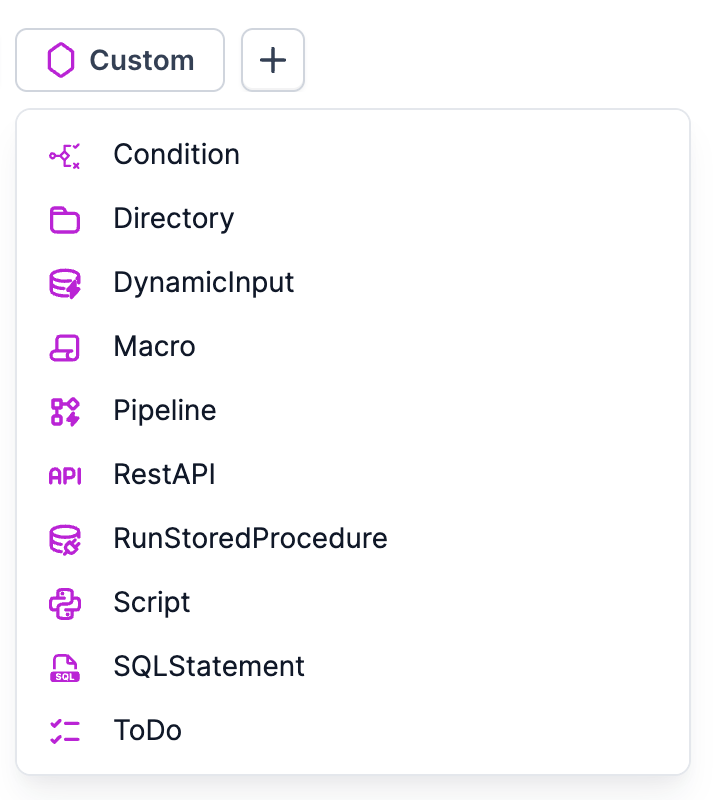
Your platform team can also build net-new operators. Proprietary business logic — a custom customer matching algorithm, a regulatory reporting format, an internal API call — gets packaged as a reusable gem that any analyst can drag onto their canvas without writing a line of code.
3. Organizational reuse built in from day one
This gap tends to show up further into adoption, when teams realize every analyst is rebuilding the same logic independently.
Prophecy gives platform teams the tools to enforce consistency at scale: shared gem libraries, reusable subgraphs that capture multi-step logic, and business rule templates that standardize definitions across pipelines. When "revenue" means the same thing in every workflow, your reports stop disagreeing in exec meetings. And since these reusable components are based on Git, they are versioned and controlled with ACLs (access control limits).
Lakeflow Designer has UDFs (user-defined functions), but lacks organizational sharing capabilities for functions and business logic. Every analyst who needs your standard data quality check or revenue calculation builds it from scratch or copies it and hopes the original doesn’t change.
4. Agentic AI that goes from 80% to 100%
While Lakeflow Designer includes AI generation with Genie Code, Prophecy's approach is architecturally different.
When you describe a workflow in Prophecy, the AI agent generates a visual workflow you can inspect step by step — see exactly what it built, validate the logic against your actual data, and refine specific steps without scrapping everything. This means each piece of logic that AI builds is auditable, and with Prophecy’s lineage feature, you can easily trace fields and functions back to their source.
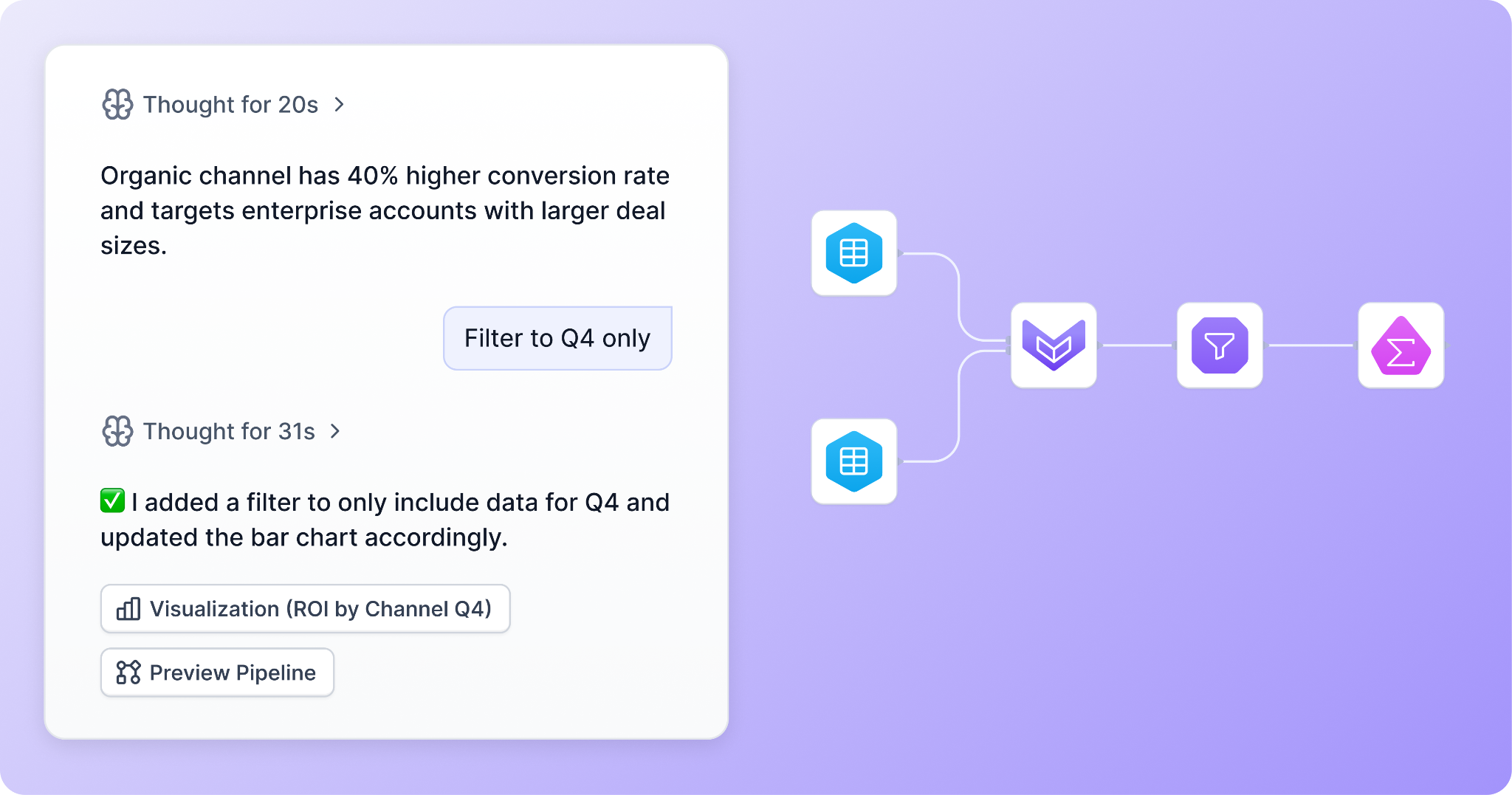
Beyond the core generate-and-refine loop, Prophecy has specialized agents for each stage of data work:
- Harmonization agent: automate mapping source data to a defined Common Data Model (CDM)
- Transformation agent: explore and understand your data sources; build and modify data pipeline logic
- Documentation agent: generate in-sync docs for any industry, leveraging your templates
Compared to Lakeflow Designer's generate and refine approach with Genie, Prophecy's AI agents cover the full data lifecycle.
5. Governance for any setup
Prophecy connects directly from the Databricks Marketplace, inherits your Unity Catalog policies and column-level lineage, and you can rest assured that your data never leaves the lakehouse.
Once you start working with sources outside Databricks, Prophecy’s features allow for more flexibility. When you run Lakeflow Designer and you have data in another warehouse like Snowflake, you have to register it as an external table in Unity Catalog before you can use it in the product. This adds an extra step in your process.
Prophecy reads data directly from Snowflake or BigQuery, and multiple external connections can be used in one project. Native governance solutions, like Snowflake Horizon Catalog, are leveraged in the product for role-based access controls (RBAC).
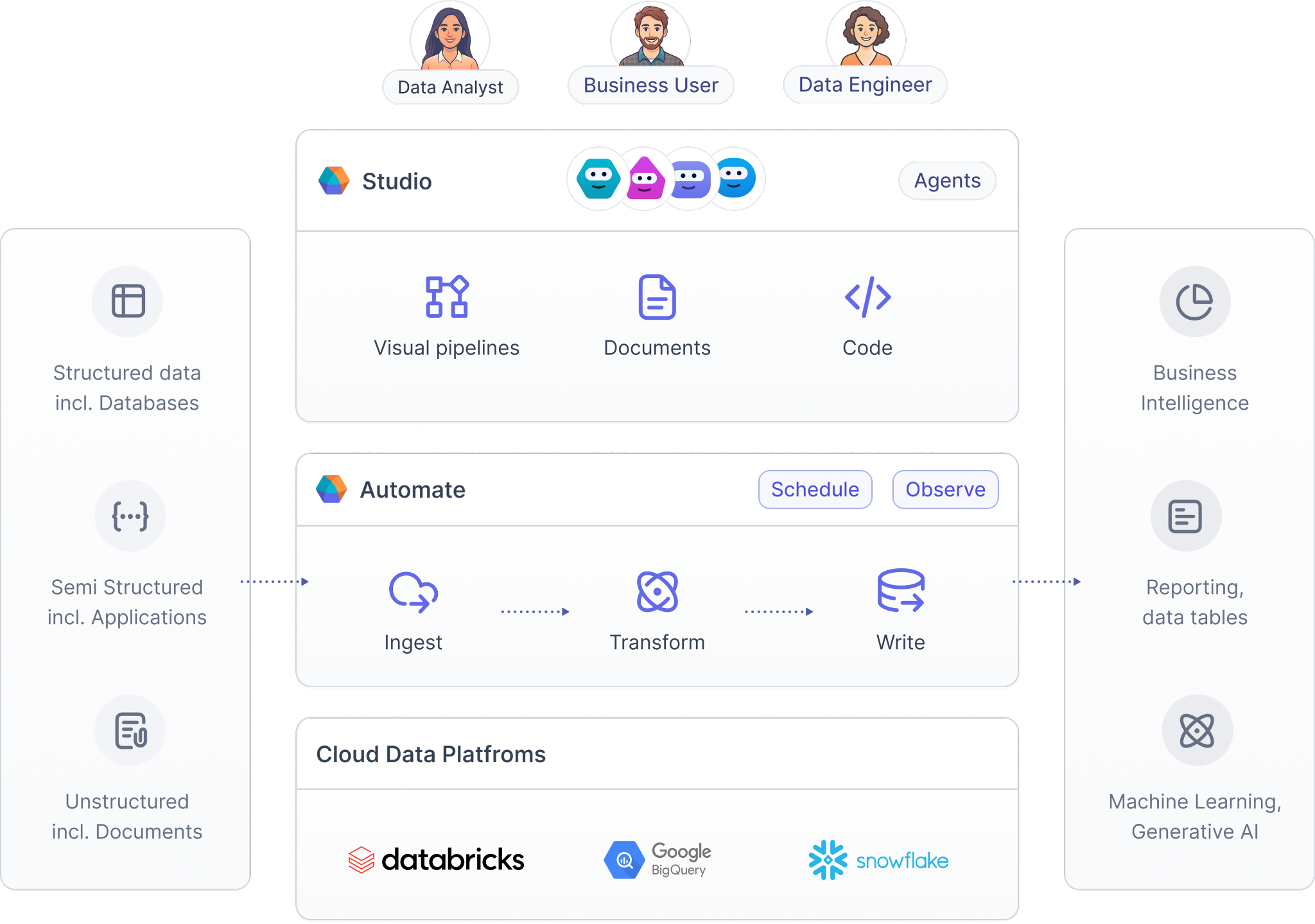
Databricks ultimately wants to bring all workflows and processes onto their platform, which can cause disruption; Prophecy keeps enterprise processes running smoothly, regardless of your data platform choice.
Lakeflow Designer demonstrates that Databricks sees the same opportunity that Prophecy has been building on for years, backed by Databricks Ventures. For teams with basic DLT pipelines and a small analyst group, Lakeflow Designer is worth exploring.
For enterprises enabling governed self-service across business and platform teams, on Databricks and beyond, Prophecy is the proven choice. Learn more about Prophecy’s integration and offerings with Databricks on our solution page.