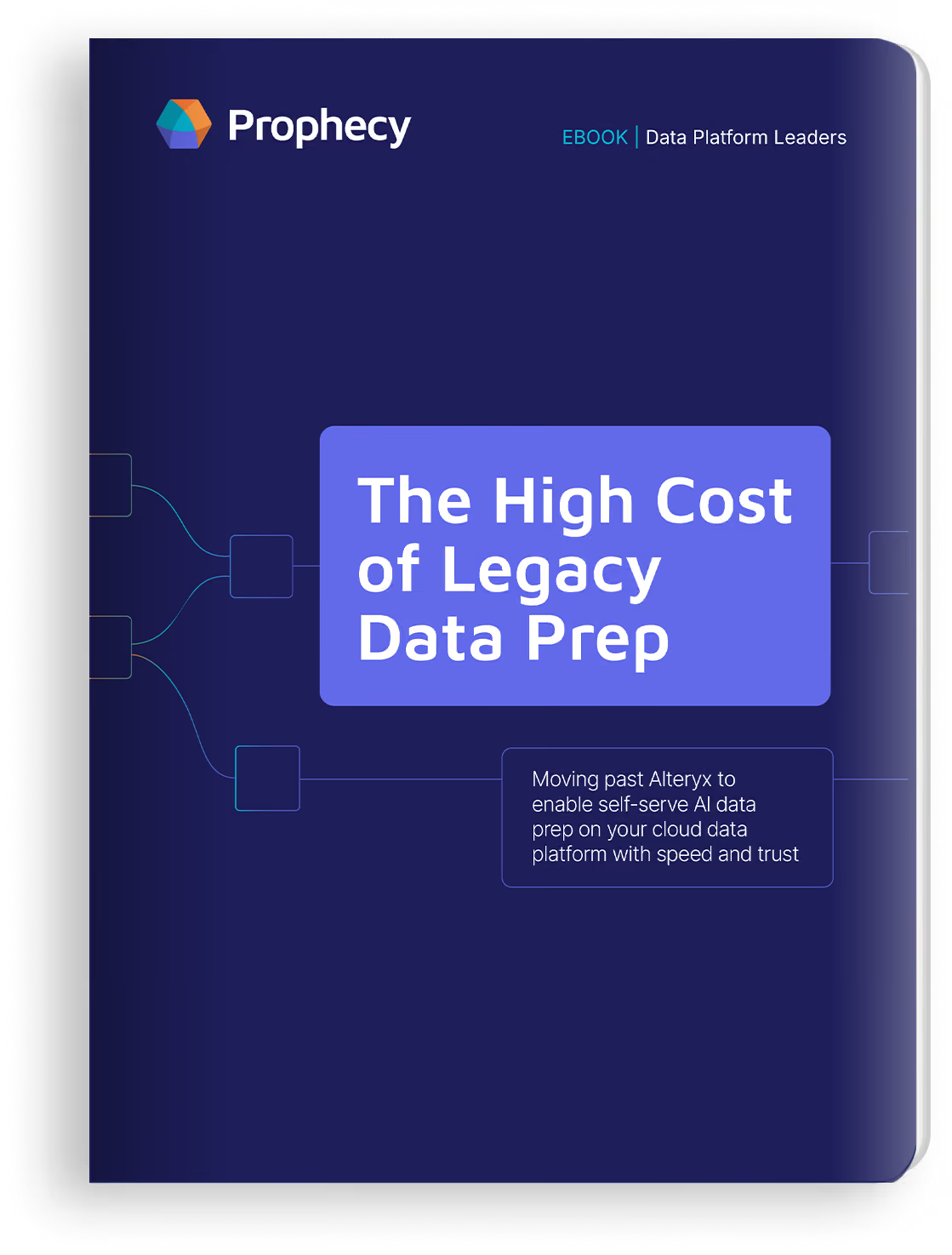
Using the power of Claude Code for Data Prep & Analysis --> Read Blog Now

Enterprise
Pricing
Professional
Start free for personal use, upgrade to Professional as your team grows.
Enterprise
Start with Enterprise Express, upgrade to Enterprise as you scale company-wide.
Resources
Blog
Insights and updates on data engineering and AI
Resources
Reports, eBooks, whitepapers
Documentation
Guides, API references, and resources to use Prophecy effectively
Community
Connect, share, and learn with other Prophecy users
Events
Upcoming sessions, webinars, and community meetups
Demo Hub
Watch Prophecy product demos on YouTube
Company
About us
Learn who we are and how we’re building Prophecy
Careers
Open roles and opportunities to join Prophecy
Partners
Collaborations and programs to grow with Prophecy
News
Company updates and industry coverage on Prophecy
Log in
Get a FREE Account
Request a Demo
Replace Alteryx
AI-Native Analytics

Best Alteryx Alternatives for Self-Service Analytics on Azure

Azure's native tools weren't built for analysts. See how Prophecy, Fabric, and Lakeflow Designer replace Alteryx without the governance gaps or per-seat costs.

Prophecy Team

&

April 2, 2026
Table of contents
Text Link
X
Facebook
LinkedIn
Subscribe to our newsletter
Thank you! Your submission has been received!
Oops! Something went wrong while submitting the form.

TL;DR

  • Azure dependency: Azure's native data tools target data engineers, leaving analytics teams dependent on engineering tickets to build or modify data workflows.  
  • Alteryx friction: Alteryx addressed that gap but introduced governance separation, cloud-compatibility limits, per-seat licensing, and a forced migration to Alteryx One, a cloud SaaS product with fewer capabilities and higher costs than the desktop tools teams rely on.  
  • Six alternatives: Microsoft Fabric, Databricks Lakeflow Designer, Sigma Computing, Matillion, Azure Data Factory, and Prophecy each address the self-service problem on Azure differently.  
  • Prophecy's approach: Prophecy's AI agents let analysts build governed data workflows on existing Databricks, Snowflake, or BigQuery infrastructure without engineering skills or duplicate governance layers.  
  • Migration reality: Migration from Alteryx is real but not overnight. A transpiler-based approach compresses the rebuild phase, though teams should budget for output validation.

Your data engineers built a solid foundation on Azure. Data is ingested, governed, and available in your cloud data platform. But when your analytics team needs to build a data workflow on top of that foundation, they file an engineering ticket and wait. Those requests consume engineering time, and for a team of 10 engineers, that's the equivalent of one to three full salaries spent on ad hoc work. Meanwhile, the business waits on stale or untrusted data.

Azure's native tools were designed for engineers. Alteryx was supposed to bridge that gap, but it introduced its own friction through governance separation, cloud compatibility gaps and licensing costs that scale with headcount.

Analytics teams need AI-powered self-service access to build governed data workflows (the transformation, preparation, and analysis work they own after data engineers have ingested and prepared data in platforms like Databricks, Snowflake, or BigQuery). Six alternatives now address that gap, and the strongest ones let analysts work directly on their existing cloud infrastructure with AI agents that handle the heavy lifting.

Azure's analytics stack wasn't built for analysts

Azure's data tools target data engineers, not analysts. The DP-203 role lists "Data Engineer" as its target persona, and Azure Data Factory's permission roles define Owner, Contributor, Reader, and Data Factory Contributor with no business user persona.

Fabric, Microsoft's most analyst-friendly offering, centers its self-service on analytics consumption and low-code data preparation, but building custom transformation workflows still requires knowledge outside most analysts' skill sets. The following areas create the most friction.

  • Resource configuration: Teams must navigate Azure's deployment models and templates to configure resources, adding complexity that slows down analysts who just need to work with data.  
  • Infrastructure setup: Data movement and transformation depend on properly configured runtime environments, which require infrastructure-level knowledge most analysts don't have.  
  • Access management: Setting up identity and security credentials introduces additional steps that create friction before analysts can even start building workflows.

These requirements compound at every stage before analysts can begin productive work. The training path for Azure Data Factory targets "Data Engineer" and "Data Scientist," with no beginner-level curriculum for analysts.

The result is a bottleneck. Analysts who need to build or modify data workflows end up in request queues, and those requests consume engineering bandwidth that should go toward ETL pipelines, ingestion, and governance.

Data engineering teams remain responsible for ETL pipelines, data ingestion, and governance. That foundation makes analytics possible, but when analytics teams can't build their own data workflows on top of it, both sides lose productivity.

Alteryx fills the gap but creates new friction on Azure

Alteryx addressed the analytics self-service problem early with a visual, drag-and-drop tool that let analysts build workflows without writing code. On Azure, however, it introduces friction that undermines those benefits.

Governance separation

Data workflows built in Alteryx don't surface their lineage in Unity Catalog or Microsoft Purview. Your Azure data estate has one governance system, and Alteryx has another. Cloud-native alternatives avoid this split by running on your cloud data platform, where your platform team retains control of compute, governance, and security. Both Microsoft and Databricks have responded by building migration tooling. An automated Fabric migration tool and Databricks accelerators position governance consolidation as a core benefit. When both destination platforms invest in moving customers off Alteryx, the mismatch is clear.

Cloud-compatibility gaps

Core orchestration features like Block Until Done and Containers are not cloud-compatible, meaning workflows that run locally may behave differently in Azure-hosted environments. Analysts who've built and tested workflows on their desktops may encounter unexpected results when moving them to the cloud.

Non-trivial integration setup

The Databricks setup requirements include documented constraints that add IT dependency, preventing analysts from getting started on their own. Each of the following constraints requires IT involvement before any data work begins.

  • Azure feature restrictions: Specific Azure features must be disabled before workspace setup, adding a prerequisite step that requires platform-level access.  
  • Preview feature enablement: Certain public preview features must be enabled, introducing dependencies on features that aren't yet generally available.  
  • Workspace architecture: A specific workspace architecture is required, which limits flexibility and adds another IT coordination step.

What should be an analyst-led setup becomes an IT project before any actual data work begins.

Per-seat licensing. Alteryx starts at Starter pricing for flat files only (one to 10 users). Enterprise deployments carry no public pricing. Reported pricing ranges show $3,000–$7,000 per user annually, with Server costs of $20,000–$50,000/year on top.  

Forced migration to Alteryx One. Alteryx is migrating its customer base to Alteryx One, a cloud SaaS product with fewer capabilities than the desktop tools teams rely on and significantly higher pricing. For teams with years of institutional knowledge in Alteryx Desktop, this forced transition raises questions about feature parity and cost. A governed, cloud-native alternative that doesn't require retraining an entire team makes this a practical time to evaluate other options.

What Azure analytics teams should evaluate instead

Six platforms address the analytics self-service problem on Azure. The right choice depends on existing platform commitments and how much independent data workflow building your analysts need.

Here's how each platform stacks up for analytics teams on Azure.

Microsoft Fabric fits Azure-committed organizations

If your organization is already invested in the Microsoft ecosystem, Fabric is the natural starting point. It combines data engineering, analytics, and BI in a single environment with native Power BI integration.

  • Drag-and-drop preparation: Dataflow Gen2 prep provides a low-code data preparation experience accessible to analysts familiar with Power Query.  
  • Capacity-based pricing: Pricing starts at $263/month for 2 Capacity Units, avoiding the per-seat cost growth associated with Alteryx.  
  • Self-service ceiling: Fabric is strongest for BI consumption and low-code prep. Custom data workflow authoring still carries engineering requirements that limit full analyst independence.

Databricks Lakeflow Designer is the native no-code option for Databricks teams

If your data platform runs on Databricks, Lakeflow Designer gives analysts a no-code path to build transformations without leaving the environment your engineers already govern.

  • Plain English transformations: Its "transform by example" experience lets analysts describe transformations in natural language, lowering the barrier to data workflow building.  
  • Built-in governance: Governance inherits from Unity Catalog automatically, so no separate governance layer needs managing or reconciling.  
  • Consumption-based pricing: Costs scale with usage rather than headcount through Databricks' consumption-based pricing model.  
  • Platform dependency: As a Databricks-native tool, teams working across multiple cloud data platforms may need additional tooling for non-Databricks environments.

Sigma Computing works across multiple cloud data platforms

If your analysts work across Databricks, Snowflake, and other platforms on Azure, Sigma Computing offers a familiar spreadsheet-like interface that connects to multiple backends.

  • Cross-platform reach: Won Databricks' 2025 partner award and Snowflake's equivalent, validating its ability to serve analysts across cloud data platforms.  
  • Spreadsheet-like interface: Analysts interact with data through a familiar spreadsheet experience, reducing the learning curve compared to engineering-oriented tools.  
  • Analytics-focused: Best suited for analytics consumption and exploration rather than building complex, multi-step data transformation workflows.

Matillion fits collaborative analyst-engineer teams

If your analysts and engineers already work closely together on data workflows, Matillion provides a visual interface that supports both personas.

  • Visual workflow building: Provides a visual data workflow building with great reviews.  
  • Collaborative design: Fits teams where analysts and engineers collaborate on the same data workflow, bridging both skill sets.  
  • Engineering adjacency: More engineering-adjacent than pure analyst self-service tools, which can be a strength or limitation depending on team structure.

Azure Data Factory is Microsoft's engineering-led ETL service

If your needs are primarily engineering-driven, Azure Data Factory is Microsoft's native managed ETL/ELT service, though it was not designed for analyst self-service.

  • Engineering-first design: As noted earlier, its training path and permission roles target engineers exclusively.  
  • Native Azure integration: Deep integration with Azure services makes it a strong choice for engineering teams managing data movement and orchestration.  
  • Limited analyst accessibility: Its role and permission structure makes it a poor fit for teams seeking independent analyst workflows.

Prophecy delivers AI-accelerated data preparation on your existing infrastructure

If your analytics team needs true self-service independence while staying within your existing cloud governance, Prophecy most directly replaces Alteryx's analyst-facing role. The next section covers Prophecy's approach in detail; here's what matters for comparison.

  • Runs on your existing cloud platform: Prophecy generates production-ready workflows that execute on Databricks, Snowflake, or BigQuery, with no separate infrastructure to manage or budget for.  
  • No duplicate governance: Works within your platform's existing governance controls, keeping lineage visible through tools like Unity Catalog or Microsoft Purview.  
  • AI agents for analysts: Prophecy V4's AI agents let analysts describe what they need in plain English, automating the most time-consuming parts of data preparation while keeping human oversight built in.  
  • Transpiler-based migration: If you have data workflows you need to move into Databricks or Snowflake, Prophecy's transpiler converts Alteryx logic into production code without a manual rebuild.

The following table shows how these alternatives compare across the criteria that matter most for Azure analytics teams.

CriterionAlteryxMicrosoft FabricLakeflow DesignerSigma ComputingMatillionAzure Data FactoryProphecy
Analyst self-service●●●●○●●●○○●●●●○●●●●○●●●○○●●○○○●●●●●
Cloud-native architecture●○○○○●●●●○●●●●●●●●●○●●●●○●●●●○●●●●●
Enterprise governance●●○○○●●●●○●●●●●●●●○○●●●○○●●●●○●●●●●
Multi-platform support●●●○○●●○○○●●○○○●●●●○●●●○○●●○○○●●●●●
No coding requiredYesPartialYesPartialPartialNoYes
Alteryx migration pathN/AManualManualN/AManualManualTranspiler
Pricing modelPer-user + ServerCapacity-basedConsumption-basedSubscriptionSubscriptionConsumption-basedCloud platform-based
Best fit forEstablished desktop analytics teamsAzure-native orgsDatabricks-native teamsCross-platform analyticsAnalyst-engineer collaborationEngineering-led ETLCloud-first, analyst-led teams

Prophecy delivers AI-accelerated data preparation without a parallel layer

Prophecy lets analytics teams independently prepare data, build data workflows, and perform transformations on cloud data platforms like Databricks, Snowflake, or BigQuery without writing code or filing engineering tickets. Data engineering teams keep ownership of ETL pipelines, ingestion, and governance. Prophecy closes the gap between that foundation and the analytics work on top of it.

How it works. Prophecy integrates directly with your existing cloud platform rather than creating a separate environment that analysts need to learn. Compute, governance, and security all stay in your stack. The following capabilities make that integration practical.

  • Runs on your existing infrastructure: Prophecy generates production-ready workflows that run on your cloud platform, so no separate system needs to be managed or budgeted for.  
  • No duplicate governance: Prophecy works within your platform's existing governance controls, keeping access control and data lineage visible to your platform team through tools like Unity Catalog or Snowflake governance. Everything stays in your stack rather than a separate governance model.  
  • Your data stays where it is: Data remains in your cloud data platform throughout. Prophecy never moves or copies it to a separate environment, as described in this data architecture.

Your platform team retains full control of compute, governance, and security.

Migration is real but not overnight

Migration takes longer than vendor marketing suggests. A transpiler-based approach compresses that timeline. Rather than manually rebuilding every data workflow, a transpiler converts Alteryx logic into production code for your target platform. The conversion is straightforward; the validation work still matters.

Platform and engineering teams talking about modernization want to show momentum through migrated data workflows, modernized ETL pipelines, and climbing adoption numbers. The transpiler accelerates that progress, and every data workflow built in Prophecy becomes another proof point for the platform investment.

Organizations that migrated successfully share a consistent pattern. They chose both a destination platform and an analyst-facing interface layer. Moving Alteryx to a cloud platform without an interface layer like Prophecy or Lakeflow Designer can trade one friction point (governance separation) for another (analysts who can't use the new platform independently). The platform handles performance and governance, while the interface layer handles adoption.

Start small and prove value. Most teams start with an efficiency use case, showing analysts a faster way to build and manage data workflows alongside existing tools. When the value is clear, the migration follows naturally. Your team stays productive without a big-bang rollout.

The technology performs, but budget for the validation works.

Close the Azure analytics self-service gap with Prophecy

Analytics teams on Azure are stuck between engineering-grade tools that require tickets and wait times, and Alteryx's trade-offs around governance, cloud compatibility, and licensing. Neither path gives analysts the independence they need to build governed data workflows on their own.

Prophecy addresses this gap. AI agents let analysts describe what they need in plain English and generate governed data workflows that run on existing cloud infrastructure, within existing governance, and without a parallel tooling ecosystem. Analytics leaders gain the productivity path they're looking for, and data platform leaders get a data platform their engineering team can trust and govern. Prophecy makes analysts self-sufficient and gives platform teams full visibility and control.

Prophecy vs. Alteryx — Head-to-Head

CategoryProphecyAlteryx
Primary Use CaseAI-powered data preparation that runs on cloud data platforms.Desktop data blending, advanced analytics, workflow automation
Target UserData analysts and business analystsBusiness analysts, data analysts, citizen data scientists
DeploymentCloud-native on Databricks, Snowflake, and BigQuery.Desktop-first (Alteryx Designer); cloud or hybrid option (Alteryx One, formerly Alteryx Analytics Cloud)
Data Platform IntegrationProphecy workflows execute on cloud data platform infrastructureConnectors to cloud platforms, but desktop workflows execute on desktop/server
Workflow Production-ReadinessAnalyst-built workflows can be deployed to production with no engineering rebuild required. What analysts build is what runs, since it's built on open-source code.Desktop workflows typically require engineering to rebuild for production, since they are built on Alteryx's proprietary code
Governance & GuardrailsBuilt-in governance with version control and role-based access keeps analysts within defined guardrails: self-service without ungoverned desktop chaos.Limited governance on desktop; server adds governance but adds complexity
Analyst Self-ServiceAnalysts work with specialized agents that create visual workflows and open-source code. They can edit the visual workflow or refine the code, then deploy directly to production without an engineering queue.Drag-and-drop interface, but complex workflows and server administration still require technical expertise
AI / AutomationProphecy's agents automate critical data preparation (discovery, transformation, harmonization, documentation). Agentic output is visual workflow and production-grade, open-source code that users can access and edit before deployment.Alteryx Copilot on desktop for AI-assisted prep; some machine learning built in
Pricing ModelProphecy offers custom enterprise pricing, as well as Express, an offering designed to get up to 20 users to specific value as quickly as possible, at a heavily discounted rate.Per-user licensing: Designer + Server + Cloud tiers
Ideal ForEnterprise teams migrating to cloud data prep who need analysts to be self-sufficient with AI-powered productivity, without engineering bottlenecks.Teams with established desktop analytics workflows and no-code business analysts; Automating manual Excel work

Book a Demo to see how analysts and platform teams experience Prophecy's AI agents and agentic AI features firsthand.

Frequently asked questions

What's the main problem with using Alteryx on Azure for analytics teams?

Alteryx on Azure creates friction across governance separation, incomplete cloud compatibility, non-trivial integration setup, and per-seat licensing that grows with headcount. Its forced migration to Alteryx One, a cloud SaaS product with fewer capabilities and higher pricing than the desktop tools, also raises feature parity and cost concerns.

How does Prophecy handle migration from Alteryx?

Prophecy's transpiler converts existing Alteryx workflows into production code for your cloud data platform. The automated conversion shortens migration timelines compared to manual rebuilds, though teams should still budget for output validation. Most teams start with an efficiency use case and let the migration follow naturally.

Does Prophecy replace data engineering or ETL pipelines?

No. Prophecy is designed for analysts to use after data engineers have already ingested and governed data in the cloud data platform. Data engineering teams continue to own ETL pipelines, data ingestion, and governance. Prophecy enables analytics teams to independently build data workflows and prepare data for analysis without filing engineering tickets.

Who should evaluate Prophecy internally?

The analysts and application teams who'll use it daily, analytics leaders who need to see the productivity impact, and the platform team who needs to trust it. Analysts can see how fast they move with AI agents, platform teams can verify that governance and compute stay in their control, and leadership sees the outcome. Book a Demo to explore Prophecy's AI agents and agentic AI features with your team.  

Ready to see Prophecy in action?

Request a demo and we’ll walk you through how Prophecy’s AI-powered visual data pipelines and high-quality open source code empowers everyone to speed data transformation

AI-Native Analytics
Modern Enterprises Build Data Pipelines with Prophecy
AI Data Preparation & Analytics
3790 El Camino Real Unit #688

Palo Alto, CA 94306
Product
Prophecy EnterpriseProphecy Enterprise Express Schedule a Demo
Pricing
ProfessionalEnterprise
Company
About usCareersPartnersNews
Resources
BlogEventsGuidesDocumentationSitemap
© 2026 SimpleDataLabs, Inc. DBA Prophecy. Terms & Conditions | Privacy Policy | Cookie Preferences

We use cookies to improve your experience on our site, analyze traffic, and personalize content. By clicking "Accept all", you agree to the storing of cookies on your device. You can manage your preferences, or read more in our Privacy Policy.

Accept allReject allManage Preferences
Manage Cookies
Essentials
Always active

Necessary for the site to function. Always On.

Used for targeted advertising.

Remembers your preferences and provides enhanced features.

Measures usage and improves your experience.

Accept all
Thank you! Your submission has been received!
Oops! Something went wrong while submitting the form.
Preferences